Wemaxa multimodal AI integration
Give AI more than text. Give every modality a controlled path.
Multimodal systems can combine text, images, audio and video inside one workflow, but useful integration depends on much more than model choice. Inputs need validation, modality-specific preprocessing, shared context, routing, evaluation and clear fallback behavior when confidence is low.
Different inputs need different preprocessing
Text, vision, audio and video should not enter the system the same way.
Each modality brings its own context, noise and failure modes. Good multimodal architecture preserves those differences long enough to process them correctly, then joins them only when the shared task actually benefits from fusion.
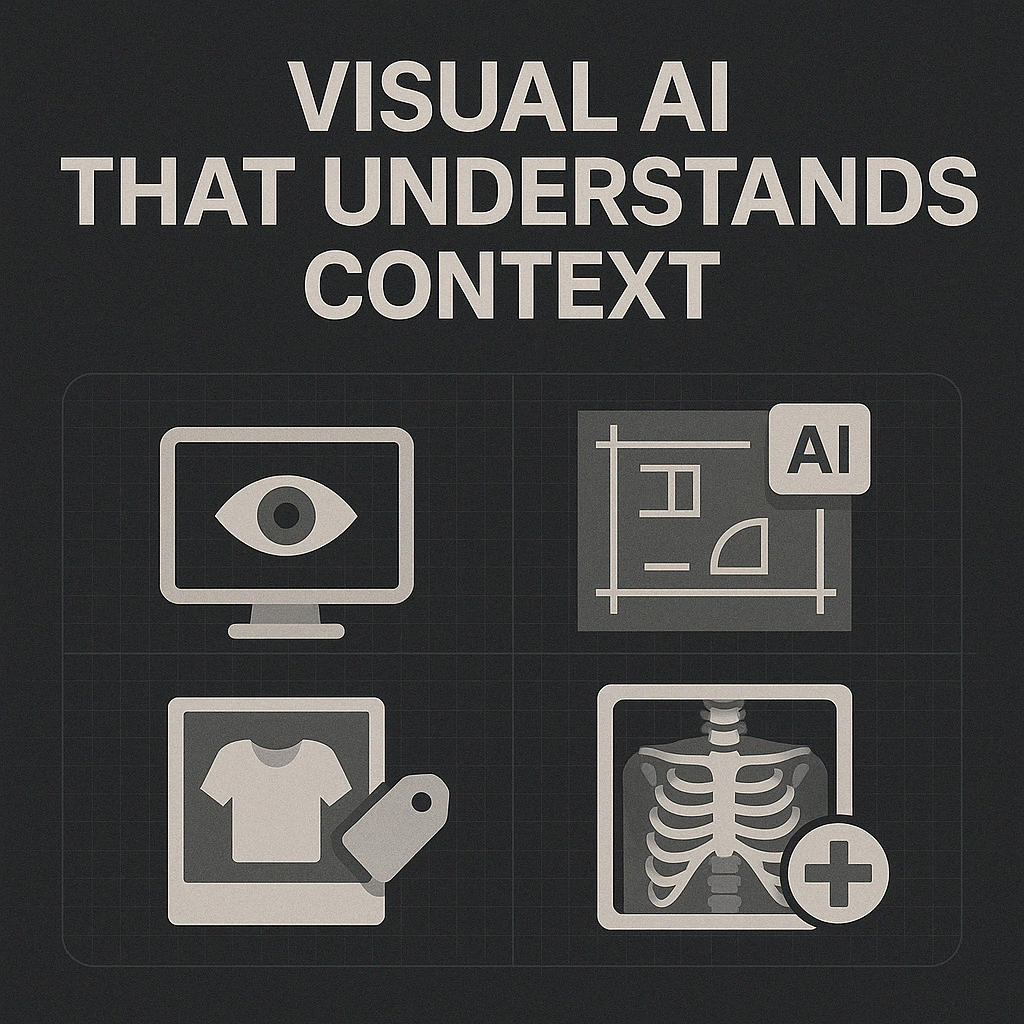
Turn images into structured context
Vision models can classify, detect, extract and compare information from photographs, scans, diagrams and screenshots. Useful applications range from product-attribute extraction and document understanding to blueprint analysis and image-based search.
- Blueprints & diagrams: identify regions, symbols and annotations that can be linked to project or operational data.
- Retail imagery: extract visible attributes to support catalog enrichment, search and quality review.
- Healthcare imagery: models can assist qualified professionals by surfacing patterns or areas for review; they should not replace clinical judgment.
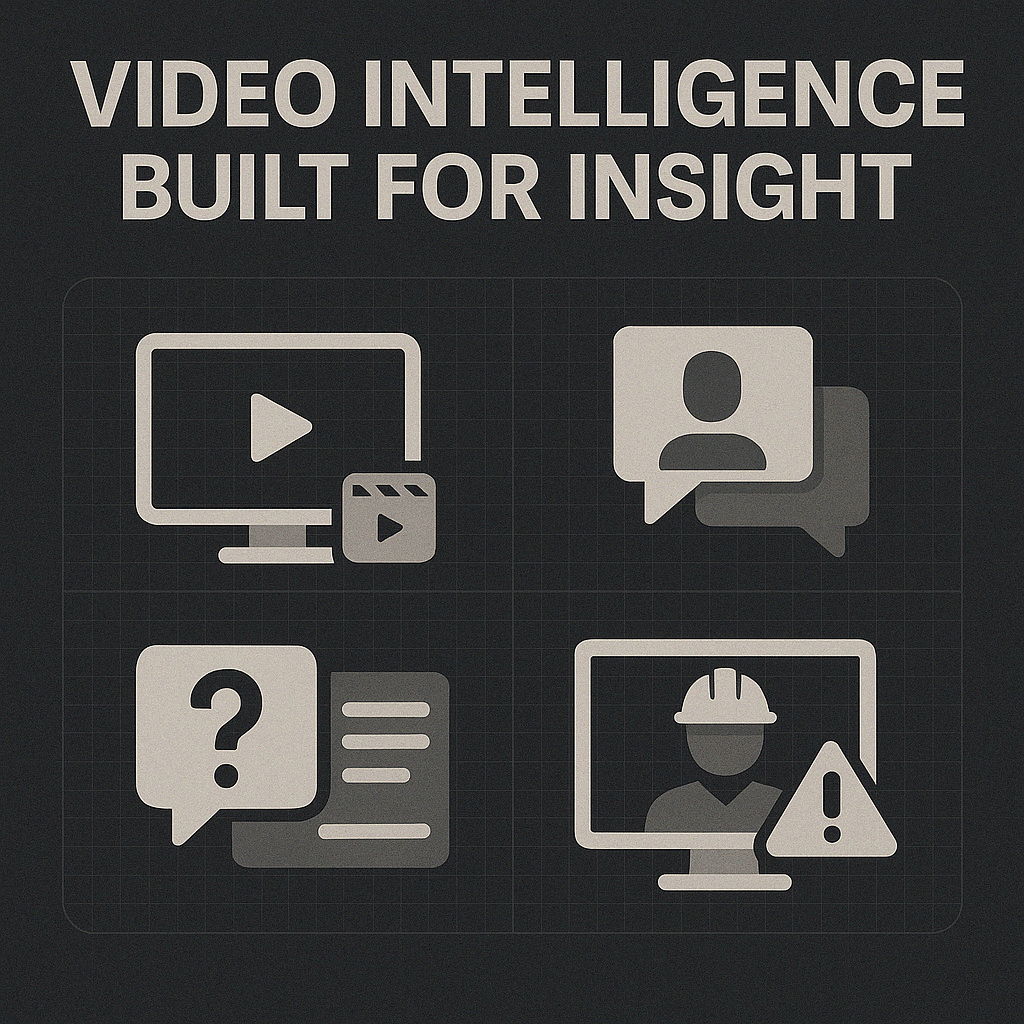
Make video queryable over time
Video workflows combine frames, audio, timestamps and metadata. A useful pipeline can transcribe speech, identify speakers, index scenes and create time-linked summaries or answers while preserving the connection to the original recording.
- Meetings: summarize discussions and return timestamped references instead of isolated text answers.
- Operations: surface anomalies or candidate safety events for trained reviewers rather than treating automated detection as a final compliance decision.
- Search: connect transcripts, visual cues and metadata so people can locate the exact moment they need.
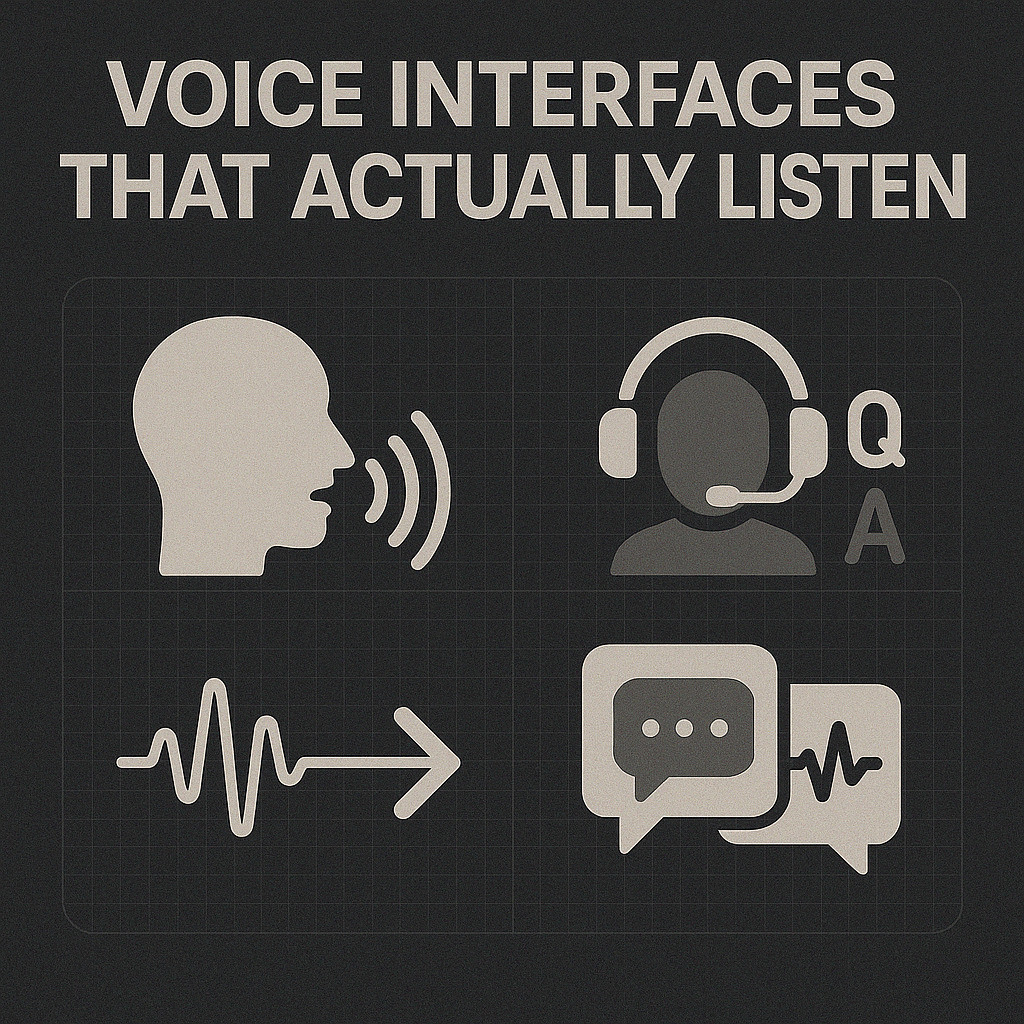
Connect spoken input to controlled system actions
Voice workflows can transcribe speech, classify intent, detect language and route a request to business systems. Field technicians, contact-center teams and multilingual support experiences can all benefit when the voice layer is connected to reliable downstream tools.
- Field workflows: turn spoken commands into structured tasks while confirming high-impact actions before execution.
- Contact centers: summarize calls, classify topics and surface signals for supervisors without treating sentiment scores as unquestionable truth.
- Multilingual audio: preserve language and speaker context through transcription and translation stages.
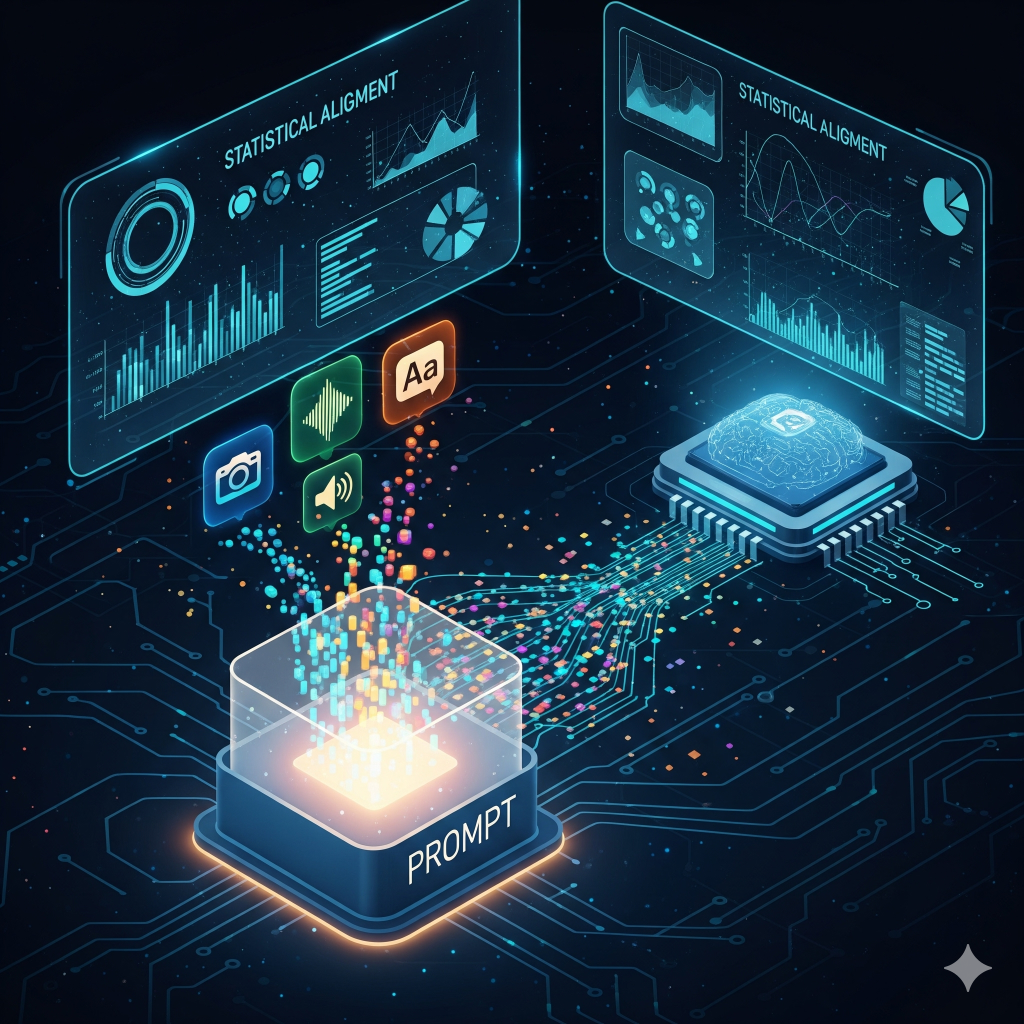
Join modalities only when the task needs the relationship
A multimodal prompt can combine text with an image, audio with a transcript, or video with task instructions. The system still needs to decide which input is authoritative, how evidence is aligned and what happens when modalities disagree.
- Alignment: connect captions, timestamps, regions or extracted entities so the model can reason over the right relationships.
- Grounding: preserve traceable links back to the underlying material wherever users need verification.
- Conflict handling: make disagreement visible instead of silently collapsing competing signals into one confident answer.
Make each transformation explicit
Validate, encode, align, then generate.
Multimodal systems are pipelines. Files are accepted or rejected, converted into model-ready representations, connected to shared context, routed to the appropriate model or tool and then evaluated before the result reaches a user or downstream system.
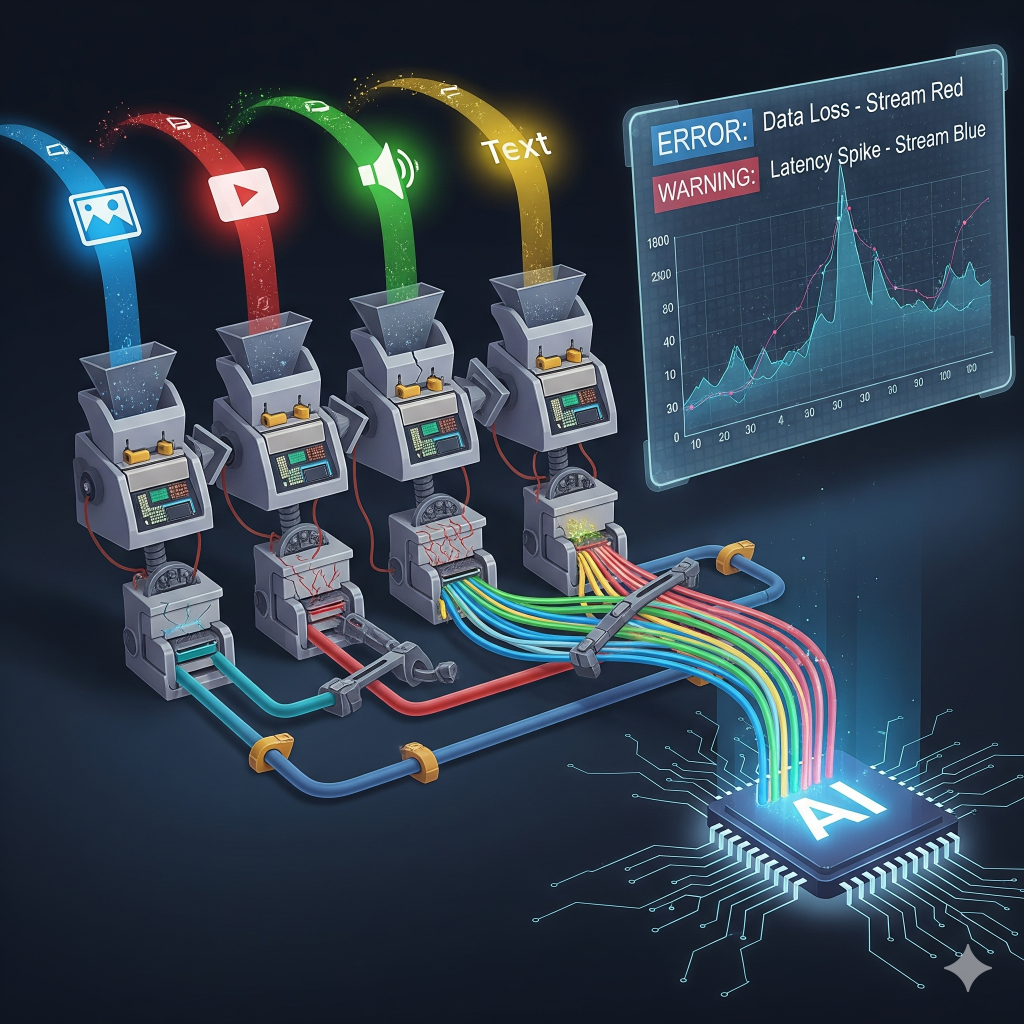
One interface can hide several specialized workers
Separate the user experience from the model topology.
A production multimodal system does not need one model to handle every task. A router can classify the request, send vision work to one component, speech work to another and reasoning or synthesis to a language model, while the application maintains one consistent interaction layer.
Model selection should follow measured quality, latency, cost and task fit. If a smaller specialized model handles one step reliably, there may be no reason to route that work through the largest general model available.
Combine modalities around actual workflows
Useful systems solve specific cross-modal problems.
The most valuable multimodal experiences usually connect evidence that was previously trapped in different formats.
Visual document Q&A
Combine OCR, layout, diagrams and user questions so answers can reference the exact page, region or table they came from.
Timestamped video search
Join transcripts, speaker segments and visual events so users can search long recordings and jump directly to relevant moments.
Voice + image workflows
Let a technician describe an issue, attach a photo and receive structured next-step support while keeping confirmation on consequential actions.
Visual product enrichment
Extract candidate attributes from product imagery, compare them with catalog data and send uncertain fields into a review queue.
Multichannel support context
Bring screenshots, chat history, voice notes and account data into one support workflow without forcing the agent to inspect each system separately.
Cross-modal accessibility
Generate captions, descriptions or alternate representations while preserving user controls and review for cases where automatic output is incomplete.
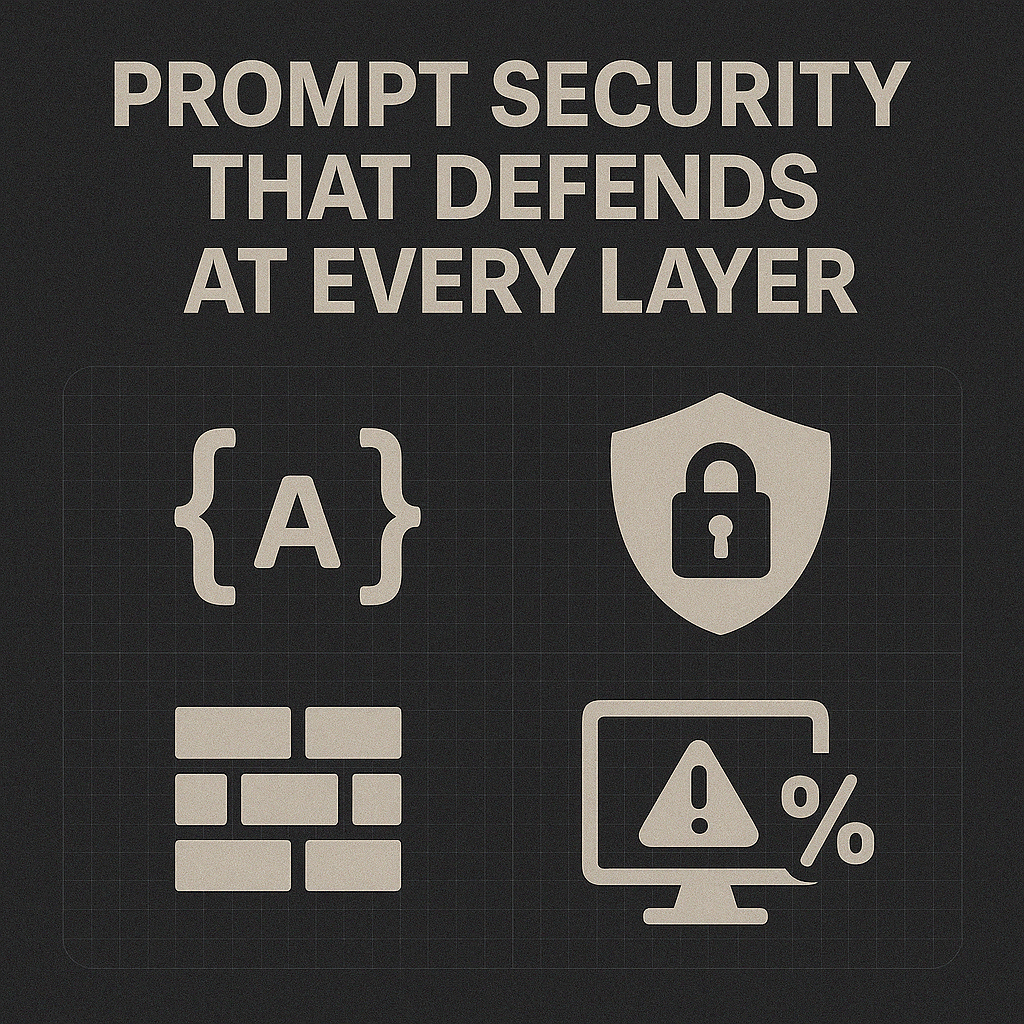
Multimodal inputs widen the attack surface
Validate every layer. Keep high-impact actions behind controls.
Prompt injection, malicious files, unsafe tool calls, data leakage and ungrounded model output can all enter from more than one modality. Security controls should be layered across ingestion, routing, tools, storage and output handling.
Multimodal does not mean universally intelligent
More input types create more capability—and more failure modes.
A system that accepts images, audio, video and text can feel more natural to users, but the underlying work is still a chain of models, converters, retrieval steps and application logic. Every handoff can introduce latency, context loss or error.
Model outputs remain probabilistic. If an image is ambiguous, a transcript is wrong or two modalities conflict, the resulting answer can still be polished and incorrect. Traceable evidence, confidence thresholds and human review are often more valuable than adding yet another model to the stack.
The goal is not to simulate human perception perfectly. It is to create a useful workflow that combines evidence from multiple formats while keeping uncertainty, provenance and control visible.

Apply multimodal systems where the workflow needs them
Different industries need different control layers.
The modality mix, review threshold and audit requirements should follow the actual operational risk of the use case.
Need one AI workflow that can understand more than one kind of input?
Wemaxa can design the ingestion, model routing, context fusion, validation, review and system integration behind a multimodal AI product.