Wemaxa YouTube creator guide
Build videos people choose. Build a channel they return to.
YouTube rewards more than a good camera. Strong channels connect topic selection, story structure, filming, editing, thumbnails, titles, audience retention, community and several revenue streams into one repeatable production system.
Start with a reason to return
Choose a subject. Build a recognizable angle around it.
A useful niche is more than a category. It combines subject matter, audience need and the creator’s own perspective. Technology, education, gaming, travel, fitness, finance and entertainment can all support many different channel identities depending on who the content is for and why the creator is worth returning to.
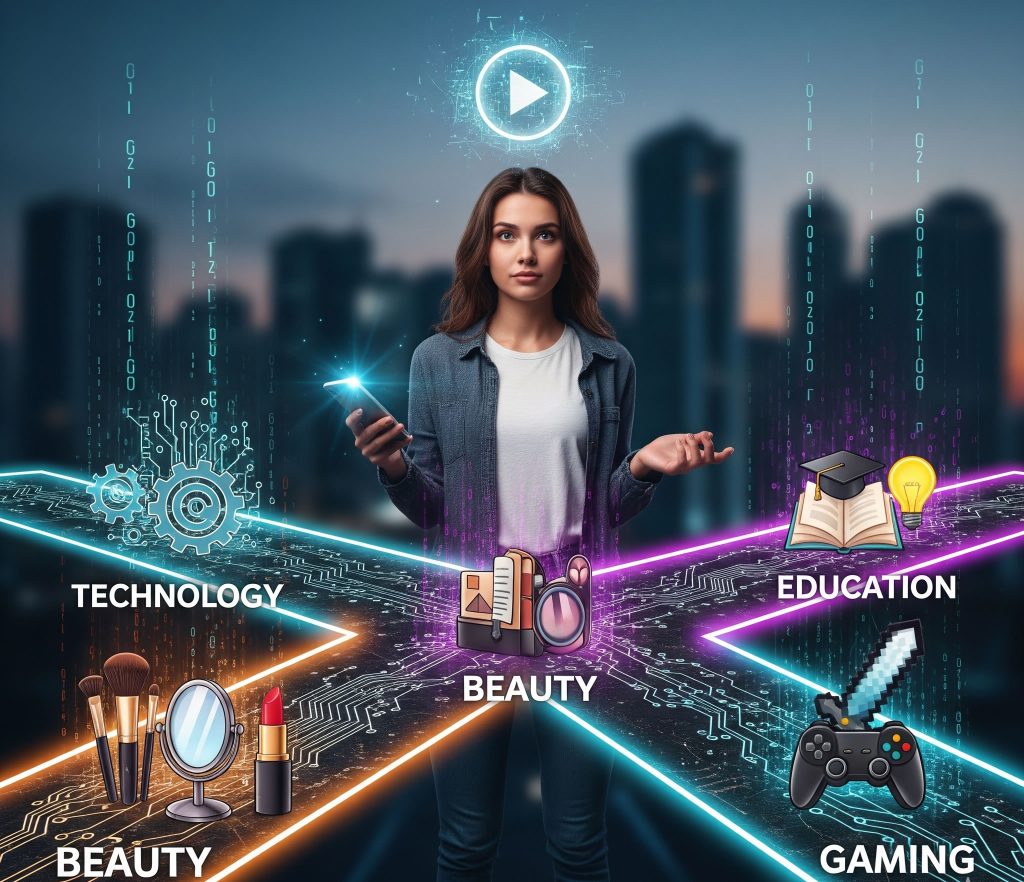
Find the overlap between what you know and what viewers want
Broad subjects can work, but the channel becomes easier to understand when viewers know what kind of value to expect. A technology channel might focus on budget hardware, repair, software workflows or industry analysis. The category stays broad enough to grow while the perspective gives it identity.
- Audience: define who benefits most from the channel and what they are trying to learn, solve or enjoy.
- Topic research: use YouTube search, audience questions, competitor coverage and trend tools to find demand and gaps.
- Channel promise: make the reason to subscribe broader than one successful video.
Make the video move somewhere
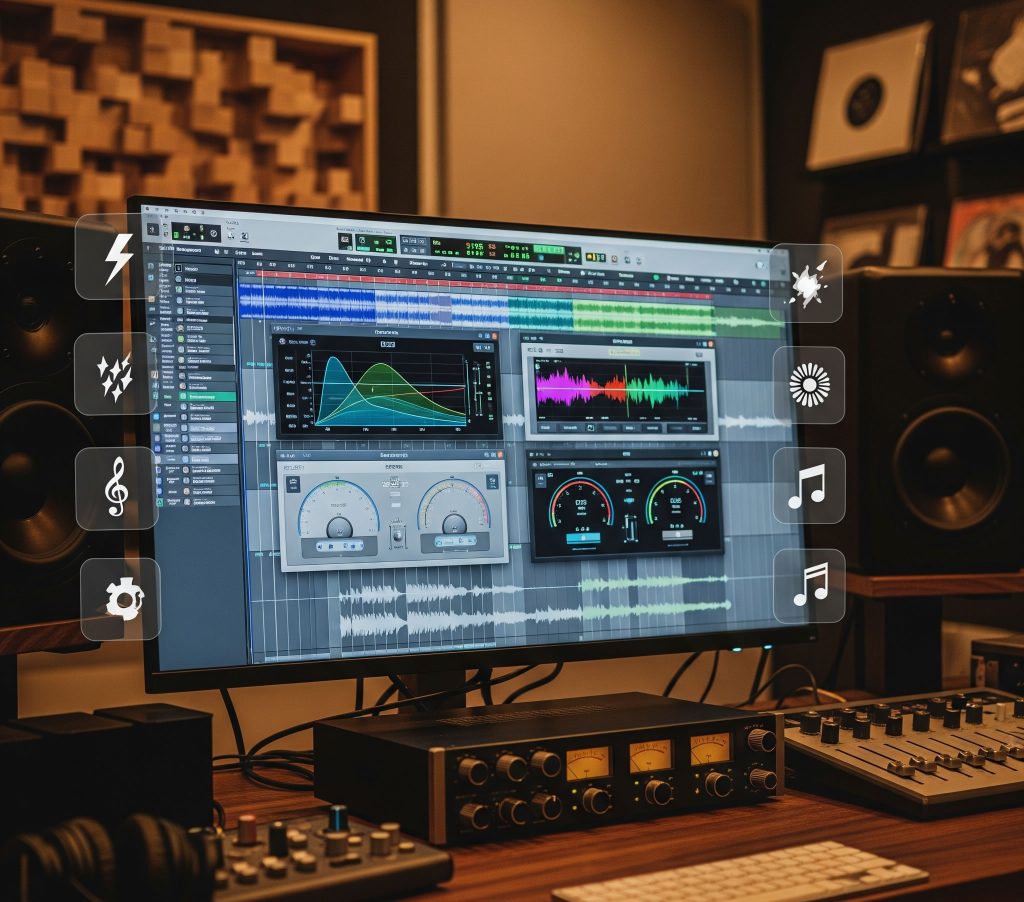
Tutorials, reviews, interviews and vlogs use different structures, but they all benefit from forward motion. Establish the subject early, remove tangents that delay the point, and let each section answer a question or create the next one. The rough cut should prove the structure before color grading, graphics or sound effects take over.
- Opening: tell the viewer what they are about to get without spending the first minute introducing the channel.
- Middle: organize information or scenes into clear beats that build on one another.
- Ending: complete the promise, summarize where useful and give the next action a natural reason to exist.
Buy for the workflow, not the spec sheet
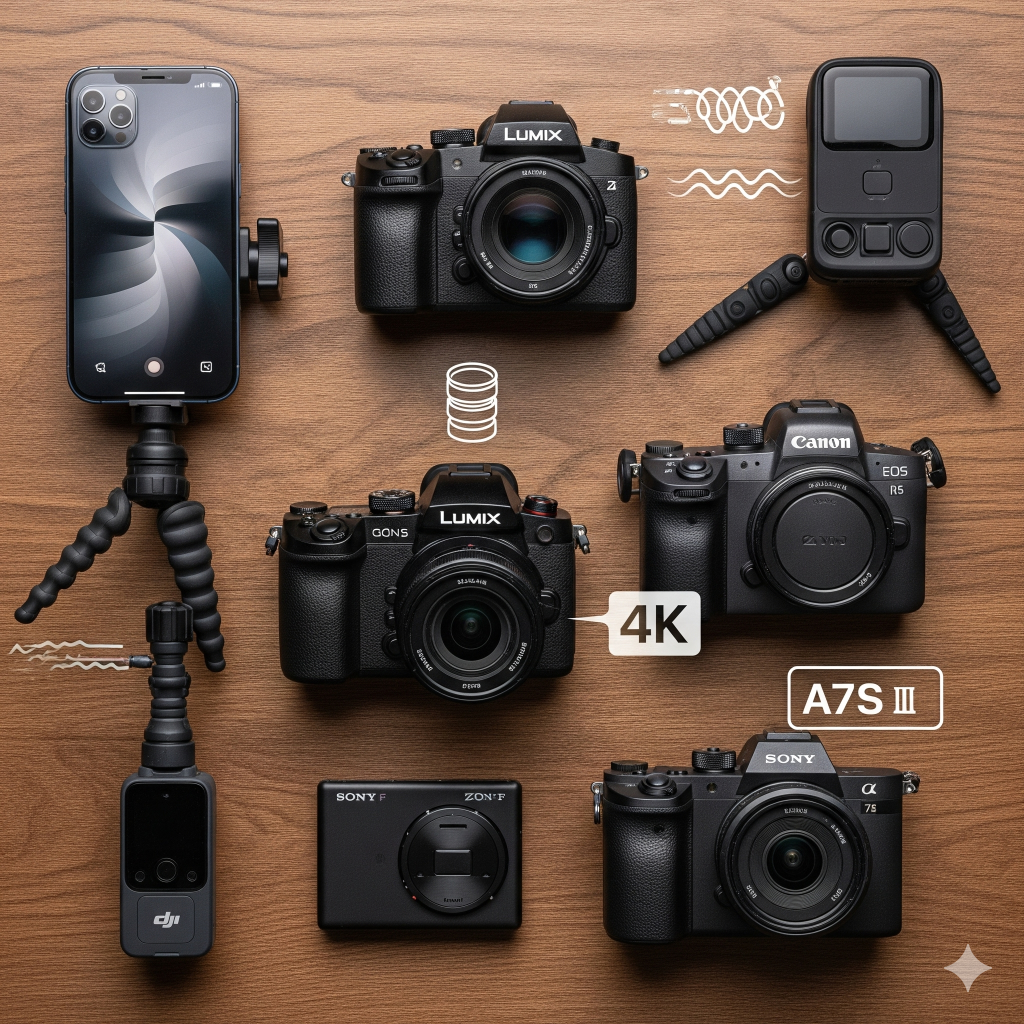
Smartphones, fixed-lens creator cameras and interchangeable-lens systems can all produce strong YouTube work. The right choice depends on movement, low light, autofocus, lens needs, recording length, storage and how much complexity the production can absorb.
- Self-filming: prioritize reliable face/eye autofocus, monitoring and simple repeatable framing.
- Long sessions: think about heat, power, recording limits and storage before chasing maximum resolution.
- Lenses: use wider focal lengths for vlogs and spaces, normal perspectives for talking-head work, and longer lenses when distance or compression helps.
Clear sound makes long videos easier to stay with
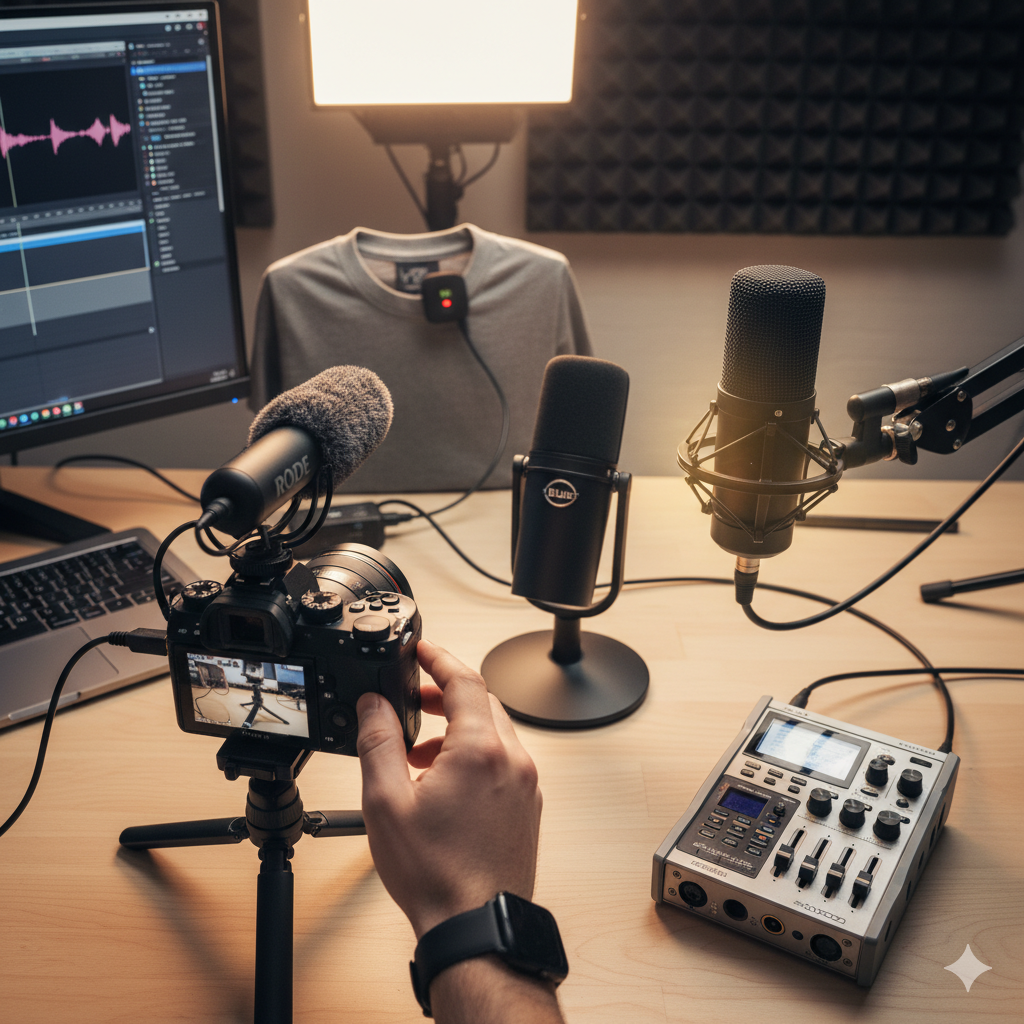
Lavalier, shotgun, USB and XLR microphones all have useful roles. Placement and room acoustics often matter more than price. Reduce echo, fans, wind and hum before recording, then use EQ, compression and noise reduction gently to make speech consistent without making it sound processed.
- Talking head: place the mic close enough to the speaker to reduce room sound.
- Desk / voiceover: USB or XLR microphones can provide a controlled repeatable recording position.
- Mix: keep dialogue clear above music and effects and monitor on more than one playback device.
Build the video in the right order
Structure first.
Polish after the story works.
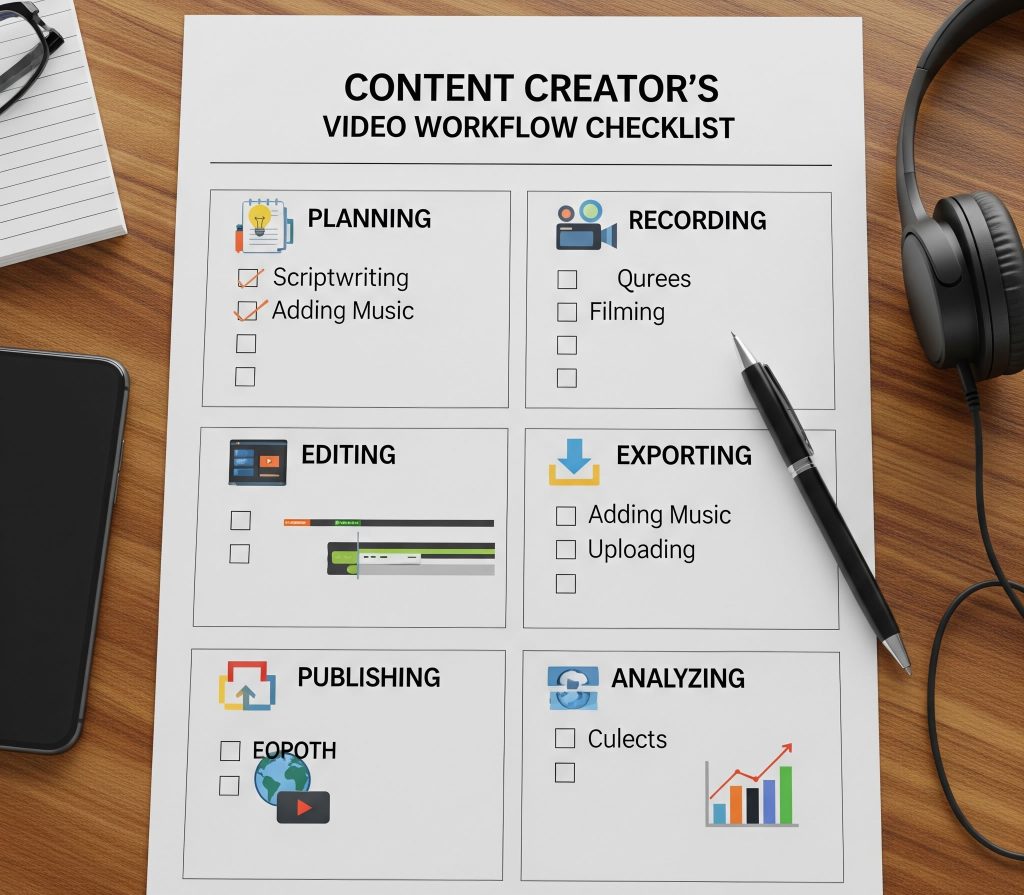
A repeatable production pipeline keeps creative decisions from becoming file-management problems. Plan the idea, capture what the edit will need, build the rough cut, refine the picture and sound, then package the finished video for the viewer.
Editing is the second writing pass
Build the rough cut. Then make every layer support it.
Premiere Pro, Final Cut Pro and DaVinci Resolve can all support professional workflows. Simpler editors can be enough for straightforward channels. The useful system is the one the creator can repeat: organized folders, reliable backups, proxies when needed, clear naming and export presets that reduce unnecessary decisions.
Use graphics, lower thirds, transitions and sound effects to clarify information or reinforce the channel identity. A restrained system usually ages better than an edit built around a different effect every few seconds.
The viewer sees the package before the edit
Thumbnail, title and opening should tell the same story.
A strong package makes the topic understandable before the click, then the opening confirms that the viewer chose the right video. Analytics can show where the promise and the actual viewing experience stop matching.
One clear visual idea
Communicate the subject quickly with strong hierarchy, readable contrast and only the details needed to make the premise understandable.
Clarity before cleverness
Use language the audience understands, make the benefit or question visible, and avoid a title that promises a different video than the one delivered.
Read the drop-offs
Use retention graphs to see where viewers leave, rewatch or skip. Treat those moments as clues for future scripting and editing rather than universal rules.
Vertical cutdowns
Use Shorts for ideas that work vertically and quickly, or create cutdowns that point to a deeper long-form episode without feeling like an unfinished advertisement.
Comments, posts & live
Use comments, polls, Community posts and live sessions to discover questions, deepen the relationship and make viewers part of the channel’s direction.
Recognizable channel system
Carry typography, color, thumbnail logic, motion graphics and tone across episodes without forcing every upload into exactly the same design.

Ads can be one pillar, not the whole business
Build revenue around what the audience already values.
YouTube channels can combine platform monetization with sponsorships, affiliate offers, products, memberships, live support and services. Eligibility and feature availability can change, so platform dashboards should be checked before relying on a specific monetization feature.
The channel is a system, not a single metric
Watch the data. Do not let one graph run the creative process.
Retention, click-through rate, traffic source, comments, returning viewers and revenue can all reveal useful information, but none of them explains the entire channel on its own. A drop in retention may come from pacing, topic mismatch, an over-promising title or simply the part of the video where some viewers got what they needed.
Trends can create temporary demand, while evergreen videos can continue serving viewers much longer. A durable channel usually mixes both and keeps enough identity that the audience recognizes the creator even when the topic changes.
Production should scale only when the workflow actually needs it. Better cameras, multiple angles, editors, thumbnail designers and larger teams can improve output, but more complexity should solve a real bottleneck rather than becoming a substitute for stronger ideas.

Production, publishing and analysis
Keep the channel workflow easy to repeat.
Use YouTube Studio for channel data and publishing, then choose production tools that match the complexity of the work instead of building the workflow around software you rarely need.
Want a YouTube channel that feels like a media brand?
Wemaxa can build the channel identity, thumbnail system, creator website, sponsor materials, motion package, landing pages and digital product experience around the content you produce.