Wemaxa AI for SaaS & support
Support that scales. People stay in control.
We integrate AI into SaaS support workflows to help teams classify tickets, retrieve knowledge, draft replies, automate routine actions and surface customer signals without turning every conversation into a fully autonomous decision. The goal is faster operational flow, clearer context and better handoffs to the people responsible for the customer relationship.
Automate the repetitive work around the conversation
Help agents reach the answer with better context.
The source centers on four practical support use cases: ticket triage, personalized reply assistance, knowledge-base improvement and customer insight. These become much more useful when they are connected to a real support queue and governed by clear human review rules.

Support tickets with useful context attached
Incoming requests can be classified by topic, language, product area and apparent urgency before they reach the main queue. AI can also help surface related tickets or likely duplicates. The result is a cleaner starting point for the support team—not a replacement for human judgment on sensitive, ambiguous or high-impact cases.
- Intent classification: identify billing, onboarding, outage, account or product-support themes.
- Priority signals: use wording, account context and issue type to suggest urgency without treating the score as infallible.
- Routing support: suggest the team or queue most likely to handle the case based on known ownership rules.

Faster responses without losing the human voice
AI can retrieve relevant knowledge, summarize prior context and prepare a reply draft for the agent to review. Multilingual drafting can help global teams respond consistently, but important product, billing, legal or account claims should still be grounded in current approved source material.
- Knowledge-grounded drafting: pull from product documentation and known resolutions instead of improvising unsupported answers.
- Conversation summaries: reduce the time needed to understand long threads or account history.
- Multilingual support: help agents prepare responses in the customer’s preferred language with review where precision matters.

Documentation that learns from support demand
Repeated tickets often reveal gaps in documentation. AI can summarize recurring resolutions, suggest draft articles and flag content that appears inconsistent with newer product behavior. A human documentation owner should still approve changes before they become authoritative product guidance.
- Article suggestions: turn repeated resolved issues into candidates for searchable help content.
- Gap detection: identify topics generating tickets despite existing documentation.
- Freshness review: flag articles that conflict with recent support outcomes or product changes.
Support history as product evidence
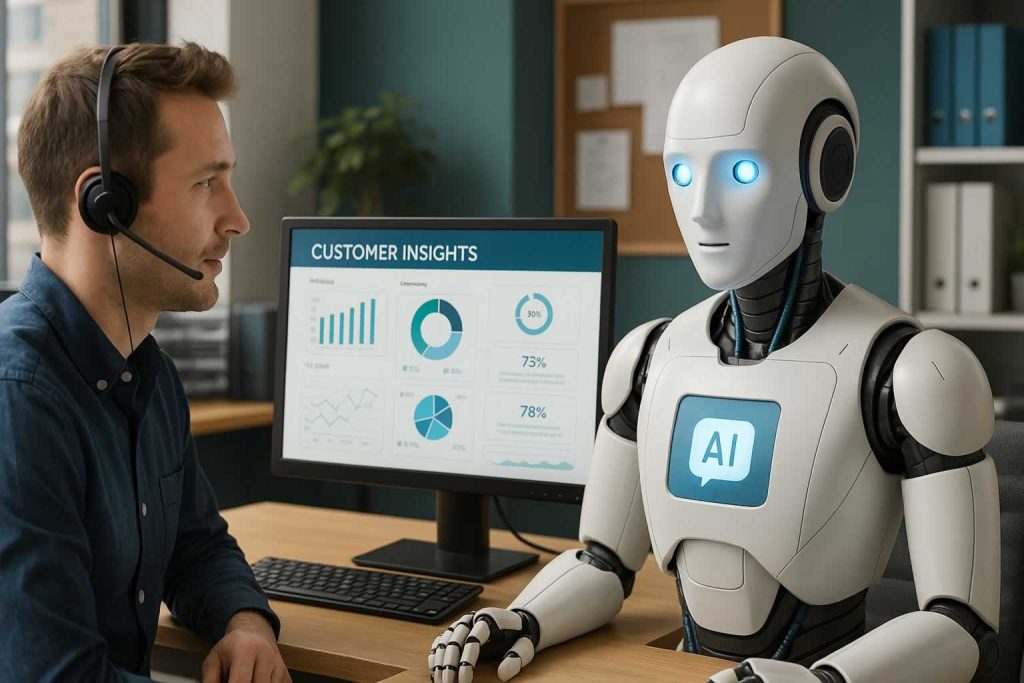
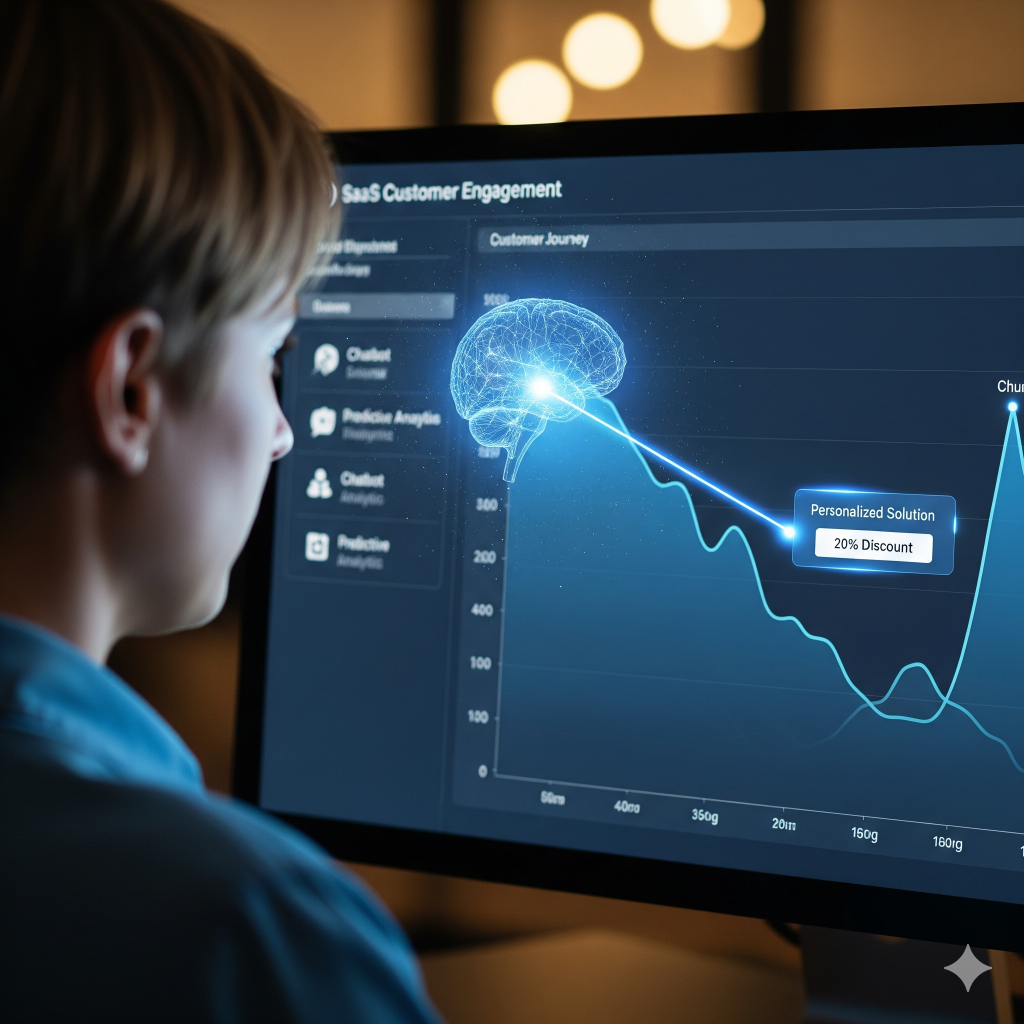
Support conversations can reveal repeated friction, feature demand and sentiment changes across an account base. AI can help cluster those patterns and surface accounts that may deserve attention. These signals are best used as prompts for investigation, not as proof that a customer will churn, upgrade or cancel.
- Feature request clustering: combine similar requests so product teams can see repeated demand more clearly.
- Sentiment trends: track shifts across groups or topics while accounting for the limits of automated sentiment classification.
- Account attention signals: surface customers with repeated unresolved friction for human follow-up.
Automate around the agent, not around accountability
Triage the request.
Escalate with context.
A useful support system knows when to answer, when to suggest and when to stop. Routine questions can move toward self-service. Complex or sensitive cases should arrive at the human agent with the customer history, relevant documentation and a clear reason for escalation.
Integrate around the tools already carrying customer history
Zendesk, Intercom, Salesforce, Freshdesk or custom systems.
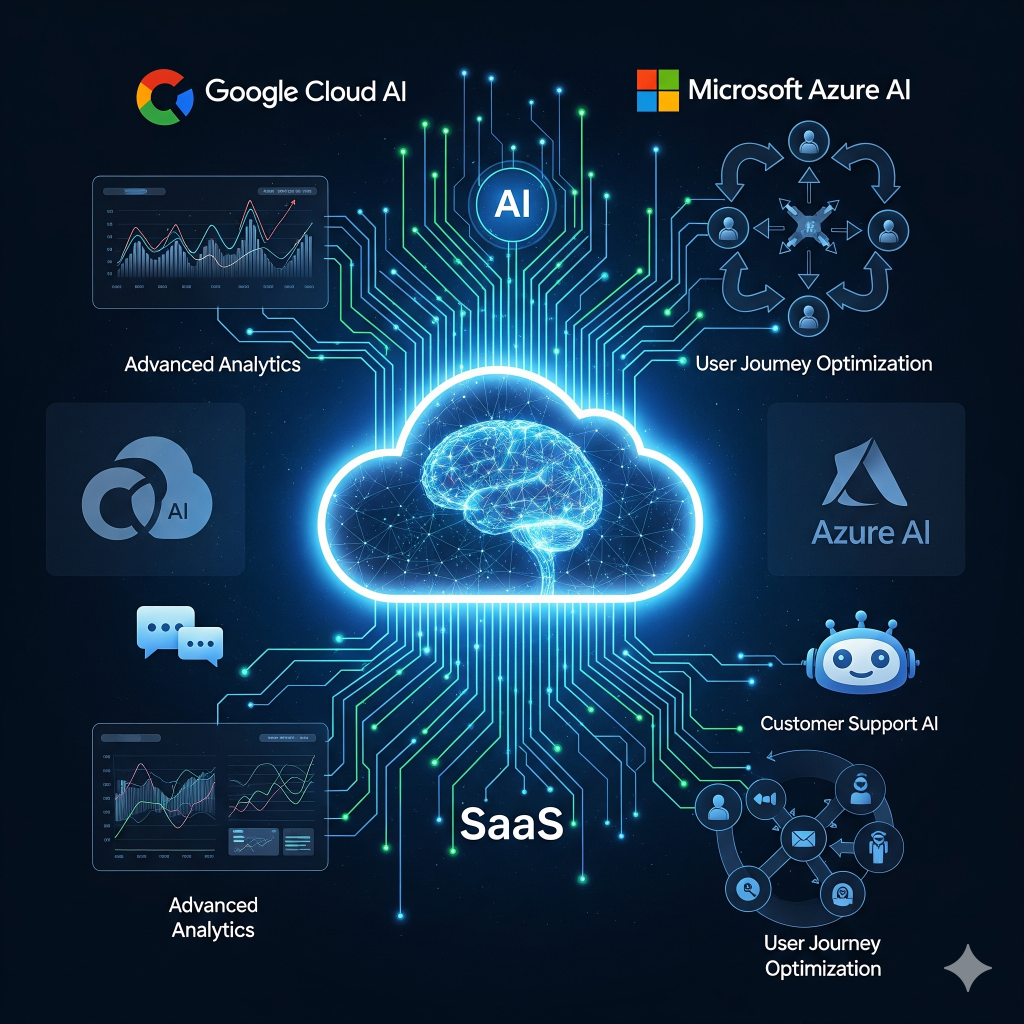
The source specifically names Zendesk, Intercom, Salesforce and Freshdesk. Where APIs, permissions and data agreements allow, Wemaxa can connect AI around the ticket queue, CRM, product telemetry, documentation and automation layer rather than forcing the support team into an entirely new interface.
The right integration pattern depends on which system owns the customer record, which data is appropriate to send to an AI provider and whether the AI is merely assisting an agent or taking an action in another business system.
Beyond chatbots
Improve the whole support operation, not just the chat window.
The source also discusses workflow automation, SLA tracking, agent guidance and predictive customer signals. These fit best as narrow capabilities with measurable boundaries rather than one autonomous system expected to understand every customer situation.
Follow-up automation
Trigger routine follow-ups, status updates or internal tasks from defined support events without asking agents to repeat the same administration manually.
SLA monitoring
Track response and resolution milestones so aging or high-priority cases are visible before they quietly fall through the queue.
Live agent guidance
Surface approved troubleshooting steps, account context or next-action suggestions during chats and calls without taking control away from the agent.
Support deflection
Answer narrow repetitive questions from approved documentation while making it easy for the customer to reach a person when the answer is insufficient.
Issue trend detection
Cluster recurring support themes so product and operations teams can see rising friction before individual tickets are reviewed one by one.
Retention signals
Combine repeated support friction with account or usage context to identify customers that may deserve proactive human attention.
Faster support is useful only when the answer remains trustworthy
Automate the queue. Keep ownership visible.
The original page promises reductions in resolution time, lower ticket volume, higher profitability and highly predictive customer behavior. Those outcomes depend on the support process, data quality, product complexity and how narrowly the AI is used. A model can suggest urgency or churn risk, but those outputs are probabilistic signals rather than guaranteed facts about a customer.
Knowledge-grounded systems also need governance. Documentation can become outdated, historical resolutions can contain mistakes and sensitive support data may include account details that should not automatically be sent to every third-party provider. The implementation should define what information is retrieved, what is logged, who can see it and when a person must approve the result.
For infrastructure examples, the source references Google Cloud AI, Microsoft Azure AI and Zapier AI.
Explore adjacent implementations
One implementation discipline. Different business contexts.
Document retrieval, workflow automation, prediction and human escalation appear across multiple industries. The data and responsibilities change, but the architecture principle remains the same: connect AI to a real workflow and keep the boundary of responsibility clear.
Have a support queue that needs better context and less repetitive work?
Tell us which ticketing, CRM and knowledge systems your team already uses and where the current support process slows down. Wemaxa can shape the triage, knowledge retrieval, agent assistance and automation around the workflow you already operate.