Wemaxa TikTok creator guide
Shoot better TikToks. Build a creator business around them.
This guide brings the production and monetization sides together: camera setup, lighting, audio, vertical editing, hooks, captions, publishing, Creator Rewards, brand deals, affiliate revenue, TikTok Shop and owned products. The aim is not to make every video look expensive. It is to make the content clear, intentional and repeatable enough to support a real audience and business.
Better setup, fewer fixes in post
Camera, light, sound and edit work as one system.
The source has extensive technical material on camera exposure, lighting, microphones and editing. The rebuild keeps that practical foundation while removing the idea that expensive gear or “professional” polish automatically makes the algorithm reward a video. Clear content and reliable production matter more than owning a specific camera model.
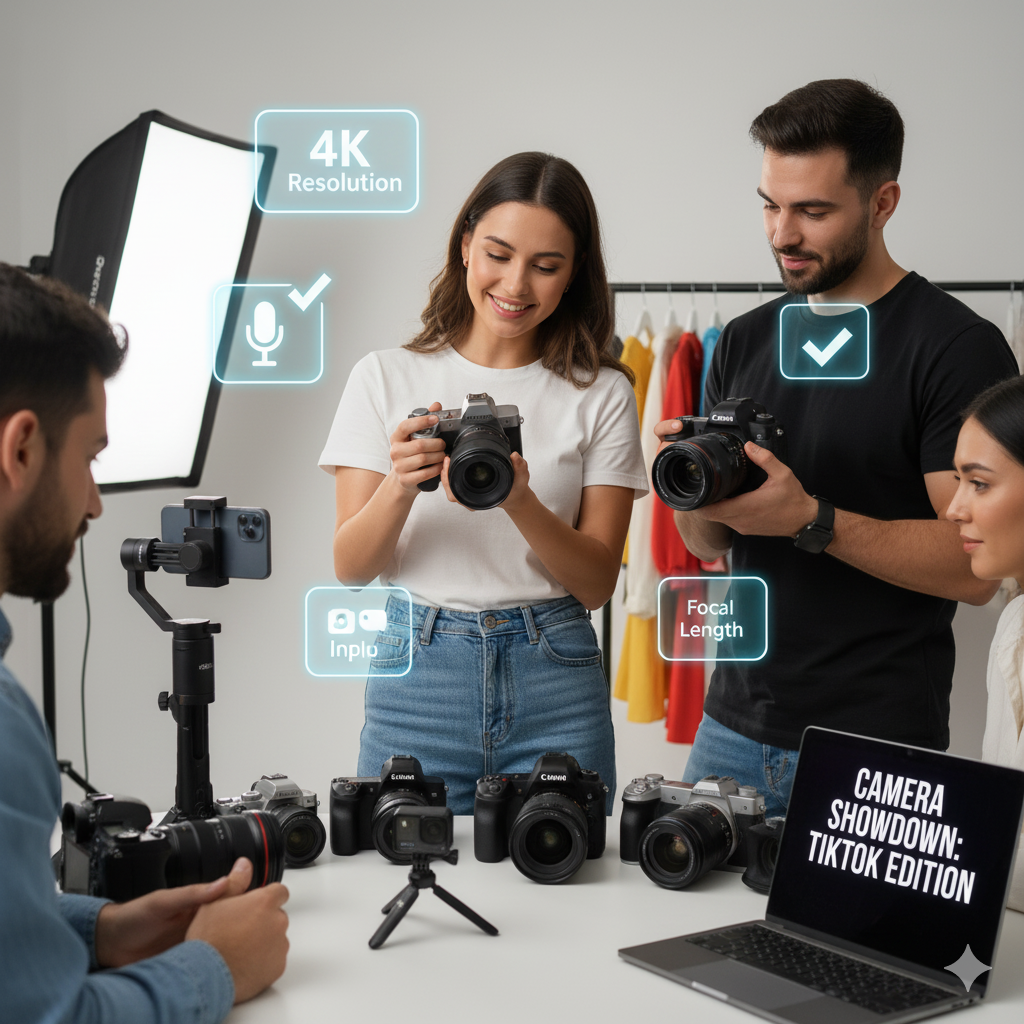
Build a repeatable vertical capture setup
A modern smartphone is enough for many TikTok workflows. Dedicated cameras become useful when you need lens choice, more controlled depth of field, stronger low-light performance or a more complex production setup. Whichever tool you use, lock the basics first: vertical framing, stable exposure, reliable focus and consistent color.
- Aspect ratio: compose for vertical 9:16 and keep critical text, faces and product detail away from interface-heavy screen edges.
- Frame rate & shutter: 30fps is a practical default; 60fps suits motion or footage you intend to slow down. A shutter near twice the frame rate is a useful starting convention, not an unbreakable law.
- Exposure: keep ISO as low as practical, use aperture for the depth of field you need, and avoid sacrificing the subject just to hit a memorized setting.
- White balance & focus: lock white balance when mixed lighting causes shifts and use face/eye AF when it is reliable.
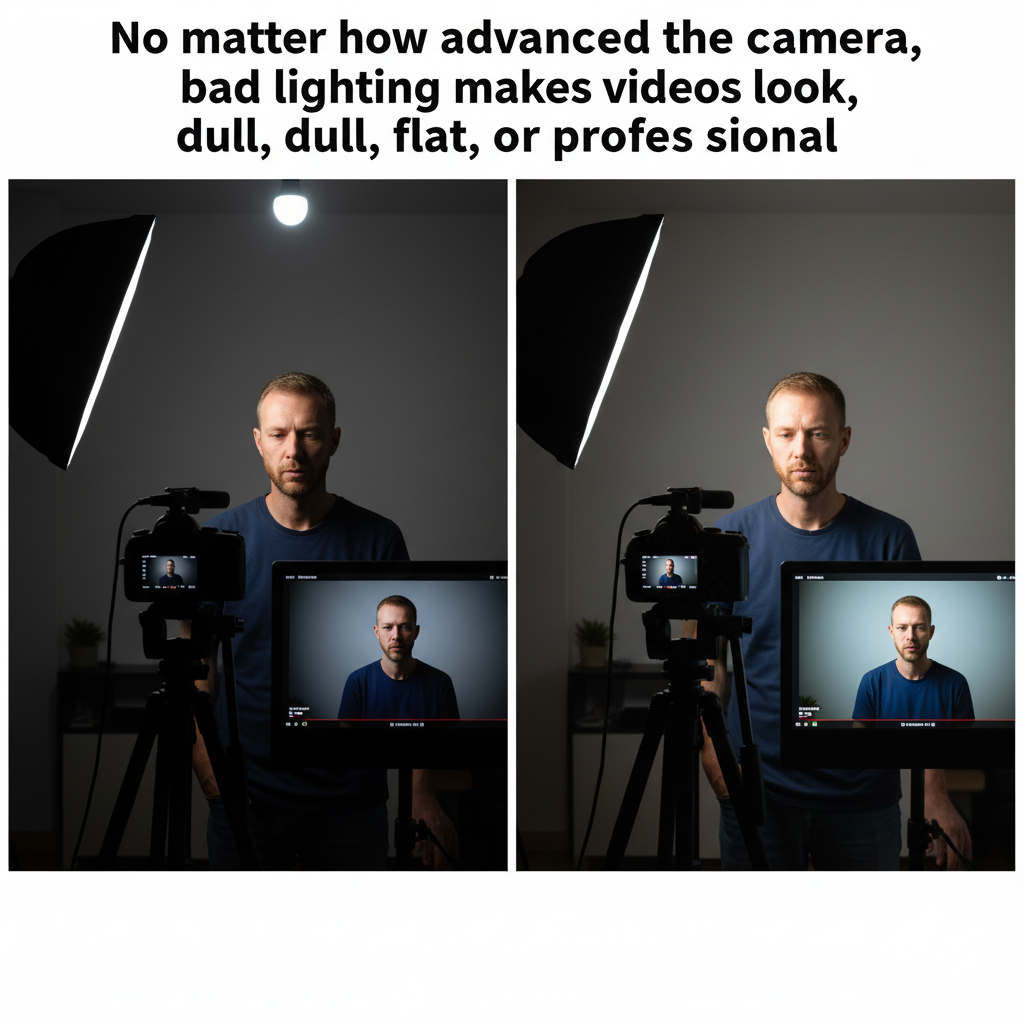
Give the camera good light to work with
Window light can be excellent. A ring light is convenient for simple talking-head content. A softbox gives more control over direction and softness. More advanced setups can add fill and background separation, but a single well-positioned key light is more useful than several poorly matched lights.
- Key light: place the main light slightly above eye level and off-axis when you want more shape than a flat front light.
- Fill: use a weaker light, reflector or nearby wall to control how dark the shadow side becomes.
- Background separation: add a background or hair light only when it supports the visual style rather than distracting from the subject.
- Color consistency: avoid mixing mismatched light temperatures unless the contrast is intentional.
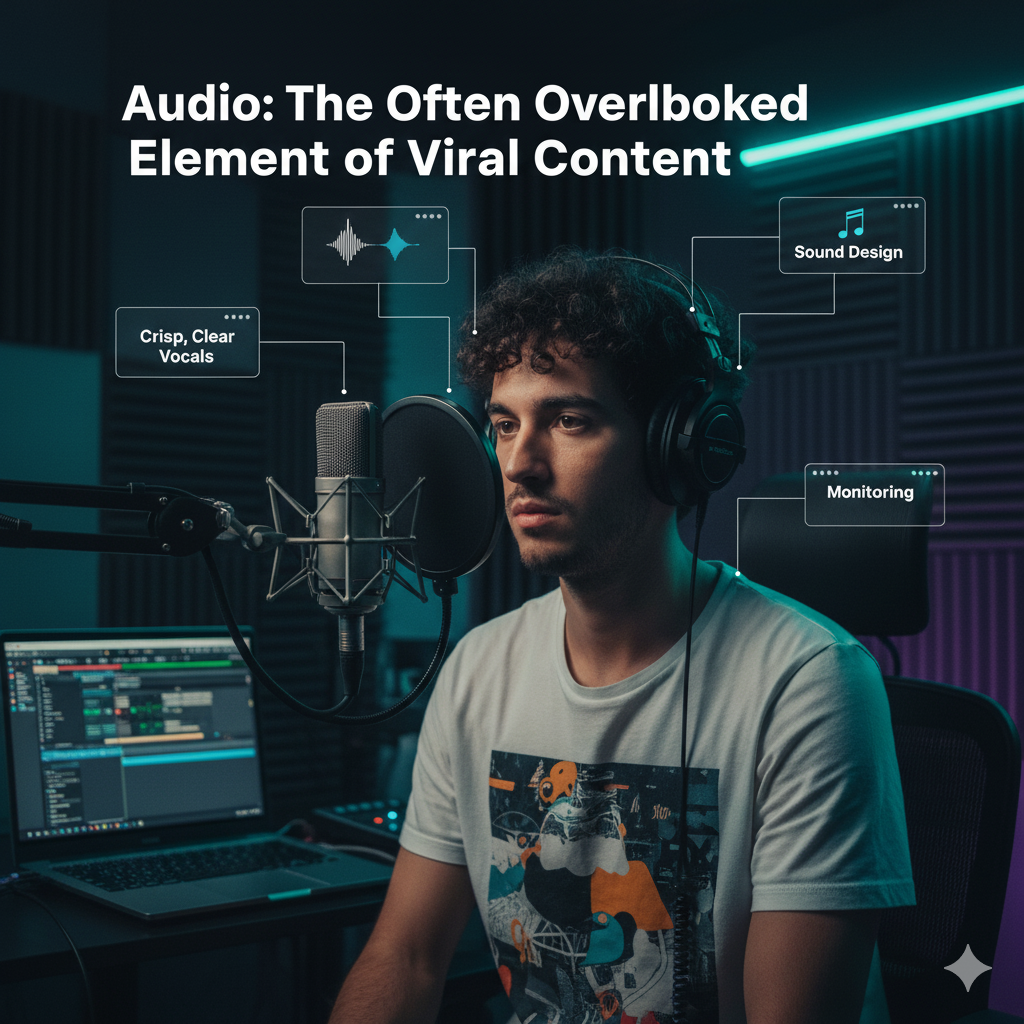
Clear speech beats expensive microphones at a distance
Lavalier microphones work well for mobile talking-head videos, wireless systems help when the creator moves, and shotgun microphones can stay outside the frame. The most important variable is usually placement: a modest mic near the speaker often produces more usable dialogue than a premium microphone several feet away in a reflective room.
- Placement: keep lavaliers close to the mouth without fabric rubbing; place shotgun microphones just outside the frame where possible.
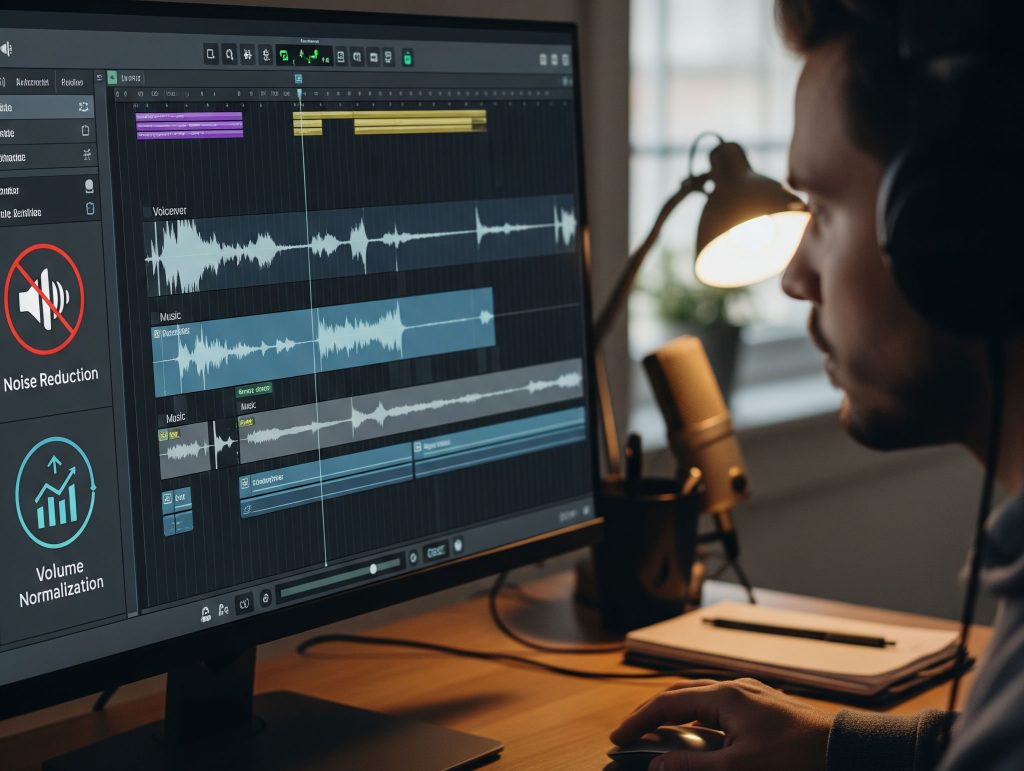
- Room control: reduce fans, air-conditioning noise, hard reflections and outdoor wind before reaching for aggressive noise reduction.
- Levels: leave headroom and avoid clipping. The source’s suggestion of dialogue peaks around -6 dB is a useful target, but actual workflow can vary.
- Music: keep dialogue intelligible and use music/sounds with rights appropriate to the account and commercial use.
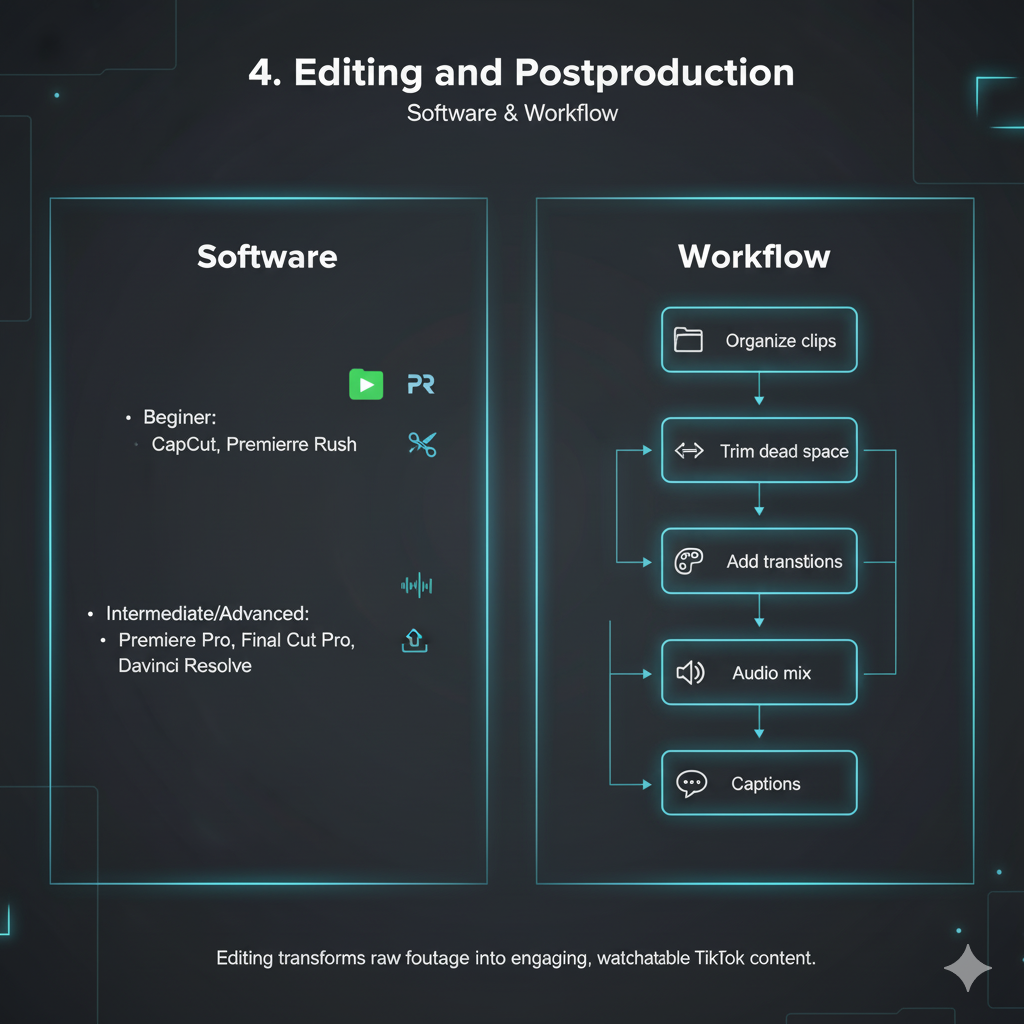
Edit for clarity, pacing and mobile viewing
CapCut and TikTok’s editor can handle many short-form workflows. Premiere Pro, Final Cut Pro or DaVinci Resolve become useful when you need more precise color, audio, motion or asset management. The best editor is the one that lets you publish consistently without making every post a mini film production.
- Trim aggressively: remove pauses, repeated points and dead setup time that do not help the viewer understand the idea.
- Captions: make speech easier to follow and keep text away from interface areas where TikTok controls may cover it.
- Effects: use transitions, zooms and visual effects when they support the narrative rather than as decoration between every shot.
- Export: vertical 1080×1920 H.264 is a practical baseline; match the export frame rate to the project and avoid unnecessary repeated recompression.
Make the process repeatable
Research the idea.
Then produce with intention.
The original source includes a 15-step checklist. This rebuild compresses it into four operating phases so the process can actually be reused. Trends can inform the idea, but the content still needs a clear audience, premise and reason to exist beyond copying whatever is currently popular.
The first seconds matter, but the rest of the video still has to deliver
Hook the viewer. Then earn the watch.
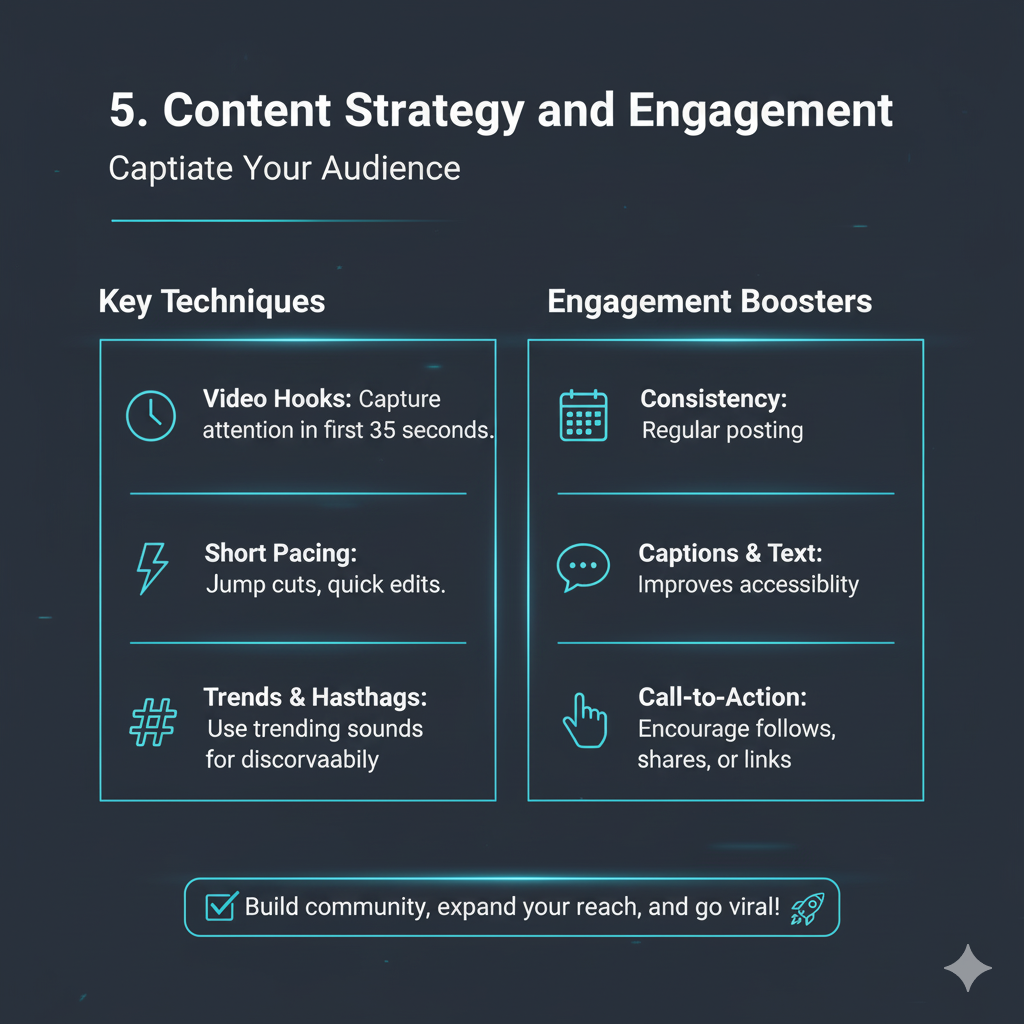
A strong opening can reduce immediate drop-off, but the entire video needs a coherent payoff. Questions, visual surprise, a clear problem, an unusual demonstration or immediate proof can all work as hooks. The format should fit the idea instead of forcing every subject into the same “three-second trick.”
Trends and hashtags can help TikTok understand or distribute content, but there is no guaranteed “algorithmic advantage” from posting on a rigid schedule or using a specific number of hashtags. Use analytics from your own account to decide what cadence, timing and topic mix works for the audience you actually have.
The original 15-step checklist, cleaned up
From idea to upload without losing the thread.
The source’s long checklist is useful but repetitive. These nine cards preserve the substance: audience, research, concept, script, shots, recording, edit, review and publishing.
Define who it is for
Choose the audience problem, interest or aspiration the account wants to serve. Specificity gives the content a clearer job.
Study topics and formats
Use TikTok search, the For You feed, Creative Center and competitor research to see what people are already watching and asking.
Choose one idea
Give each video one clear premise and one payoff. If the concept needs five unrelated points, split it into a series.
Write only what needs structure
Script the opening, essential facts, CTA and difficult phrasing. Leave room for natural delivery when full scripting makes the video stiff.
Plan the visual coverage
List talking-head shots, product close-ups, screen recordings, B-roll and props before filming so the edit has enough material.
Capture clean raw footage
Check lens, exposure, focus, framing, sound and background before the take. Record more than one version of important lines.
Cut for comprehension
Remove dead space, balance audio, add only useful effects, place captions safely and make the first seconds understandable without setup.
Watch it like a viewer
Check spelling, timing, audio, safe text placement and whether the promise from the opening is actually delivered by the end.
Upload and measure
Write a useful caption, add relevant tags or collaborators, publish, then evaluate retention, interaction and business outcomes from the actual audience.
Views create opportunities, not guaranteed income
Build several ways for attention to become revenue.
The source correctly identifies Creator Rewards, LIVE gifts, brand deals, affiliate marketing, TikTok Shop and merchandise as monetization paths. It also contains an older “Creator Fund” reference later in the article; the rebuild standardizes the page around the Creator Rewards terminology already used in the source’s current overview.
Feature eligibility can vary by location, age, account status and program requirements. Treat TikTok Studio and TikTok’s current support documentation as the source of truth before budgeting around any platform payout.
Production quality supports the idea—it does not replace it
Better gear can improve the image. It cannot guarantee attention.
The source repeatedly connects expensive equipment, “professional” editing or lighting directly to retention, algorithmic reach, sponsorships and viral performance. Those relationships are not automatic. Clear ideas, audience relevance, delivery, timing and platform distribution still matter, and creators can produce effective TikTok content with simple equipment when the message and execution are strong.
Technical rules should also be treated as starting points rather than universal laws. White balance does not always have to be manually locked, ring lights are not inherently more flattering than every other light, 4K is not required for good TikTok output, and a particular ISO range cannot be guaranteed across different camera sensors and profiles.
Monetization is similarly variable. Brand rates, Creator Rewards, affiliate conversion, LIVE gifts and Shop performance depend on geography, account eligibility, niche, audience quality and offer. The safest plan is to test the audience before making large production purchases and to diversify revenue rather than assuming view growth will automatically become income.
Keep the guide useful as tools and programs change
Verify monetization in TikTok. Use external tools for production.
The original page contains both official and third-party resources. The rebuild keeps the most useful destinations grouped here instead of scattering them through every technical paragraph.
Want a TikTok production system that looks like one recognizable brand?
Wemaxa can help build the visual identity, templates, editing system, creator landing pages, sponsor materials and supporting digital assets around your content—without pretending that polish alone guarantees virality or revenue.