Wemaxa Android application guide
Turn an app idea into a product you can release and keep improving.
Android development is a complete product cycle: research, UX, Kotlin, interface architecture, APIs, local and cloud data, testing, Play distribution, crash monitoring and ongoing releases. The strongest projects make these decisions together instead of treating code as the starting point.
Define the product before the implementation
Start with the user journey. Then choose the architecture.
A booking app, marketplace, healthcare tool and social product may all run on Android, but their workflows, data models and backend requirements are completely different. Purpose, audience, feature priority and the MVP boundary should be clear before development expands.
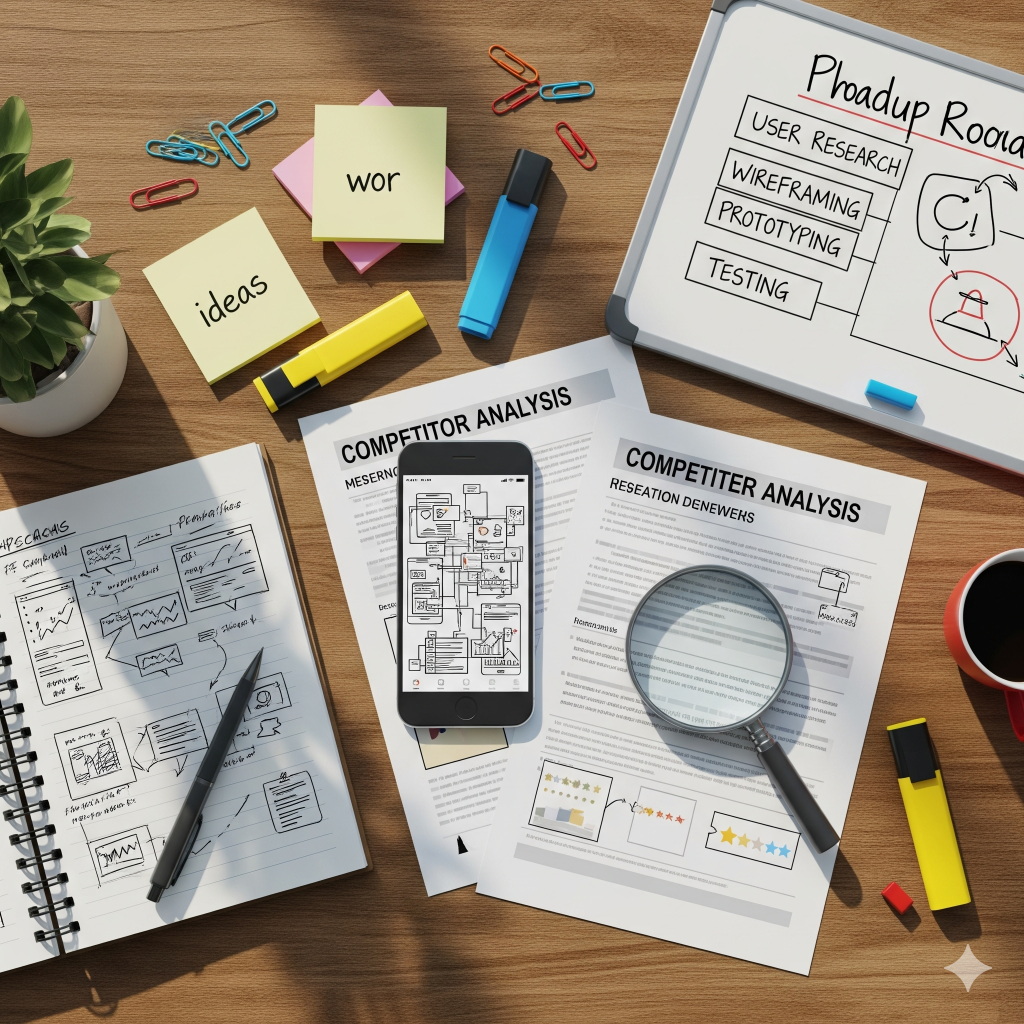
Turn the idea into a product boundary
Define what the application must do, who it is for and what makes the first release useful. Study comparable products and user reviews, map the main journeys, then prioritize the smallest set of features that can validate the product without locking the team into unnecessary complexity.
- Purpose: write the core user problem and the action the app should make easier.
- MVP: separate essential workflows from later enhancements, integrations and advanced automation.
- Business model: decide whether ads, subscriptions, purchases, commerce or another model affects product architecture.
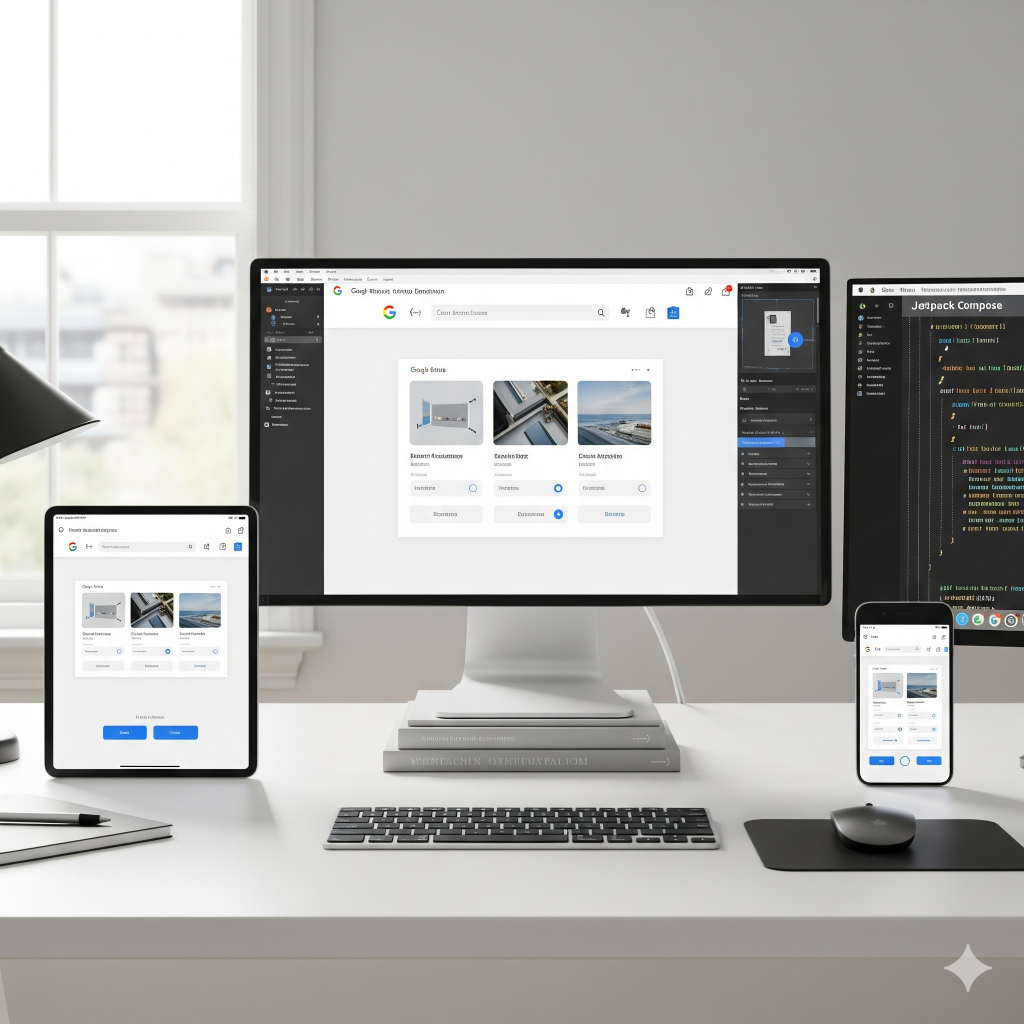
Design the path before polishing the screens
Wireframes make navigation problems cheap to fix. Map the major journeys first, then develop the visual language around Android interaction patterns, responsive layouts and accessibility. Jetpack Compose can support a reusable declarative interface system directly in Kotlin.
- User journey: connect onboarding, navigation, search, forms and primary actions into clear flows.
- Responsive UI: account for different screen sizes, density, orientation and content length.
- Accessibility: consider screen readers, touch targets, contrast, text scaling and understandable interaction states.
Build with maintainable boundaries
Android Studio provides the development environment, while Kotlin is a strong default for modern Android code. Organize the project so interface code, state management, domain behavior and data access do not become one tightly coupled layer that is difficult to test or change.
- Project structure: use clear packages or modules around features, shared components and application layers.
- Architecture: patterns such as MVVM can help separate UI state from data and business logic when applied deliberately.
- Dependencies: manage libraries and build configuration with Gradle and keep third-party dependencies purposeful.

Treat connectivity as an application boundary
Many apps depend on authentication, APIs, databases, notifications, payments or cloud storage. The application should handle network errors, loading states and local persistence deliberately instead of assuming the connection will always be available.
- Remote data: REST or GraphQL can connect the application to custom or managed backend services.
- Local data: Room can support structured on-device persistence where the product needs caching or offline behavior.
- Security: use HTTPS, appropriate authentication and careful storage of tokens or sensitive local data.
The product keeps moving after the first build
Design it.
Build, test, release and observe it.
A reliable Android workflow connects product decisions to engineering and release operations. Each stage should leave the next one with clearer inputs: validated flows for development, testable boundaries for QA, signed artifacts for distribution and telemetry for the next roadmap decision.
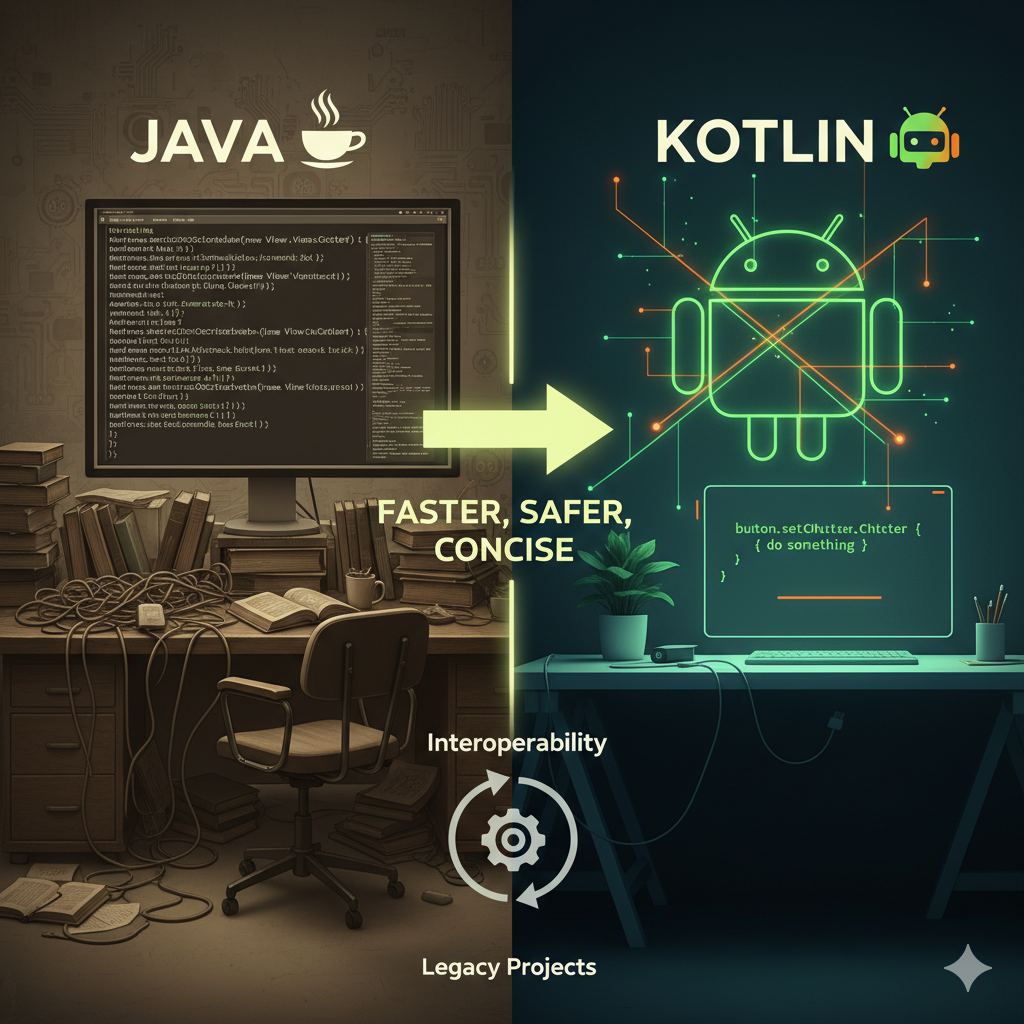
Keep the toolchain simpler than the product
Use the Android stack where it gives the product leverage.
Android Studio, Kotlin, Gradle and Jetpack libraries provide the core environment for native Android development. Java remains relevant for existing codebases, while Flutter or React Native can make sense when a project is intentionally sharing implementation across platforms.
The technical choice should follow the product: a native Android application can take advantage of the platform directly, while a cross-platform framework can reduce duplicated UI work when the product needs Android and iOS together. The tradeoff should be made around team skills, integrations, performance needs and maintenance—not trend alone.
Six areas that make the application production-ready
The app is more than screens and button clicks.
Production applications need deliberate handling for data, security, device variation, performance, release operations and the feedback loop after launch.
Adaptive UI
Build reusable components and layouts that remain understandable across screen sizes, orientation changes, text scaling and different content lengths.
Offline-aware data
Decide what should be cached locally, how stale data is handled and what the interface does when the network is slow or unavailable.
Authentication boundaries
Protect transport, tokens, sensitive local storage and privileged operations while keeping authorization decisions enforced by the backend where appropriate.
Multi-layer testing
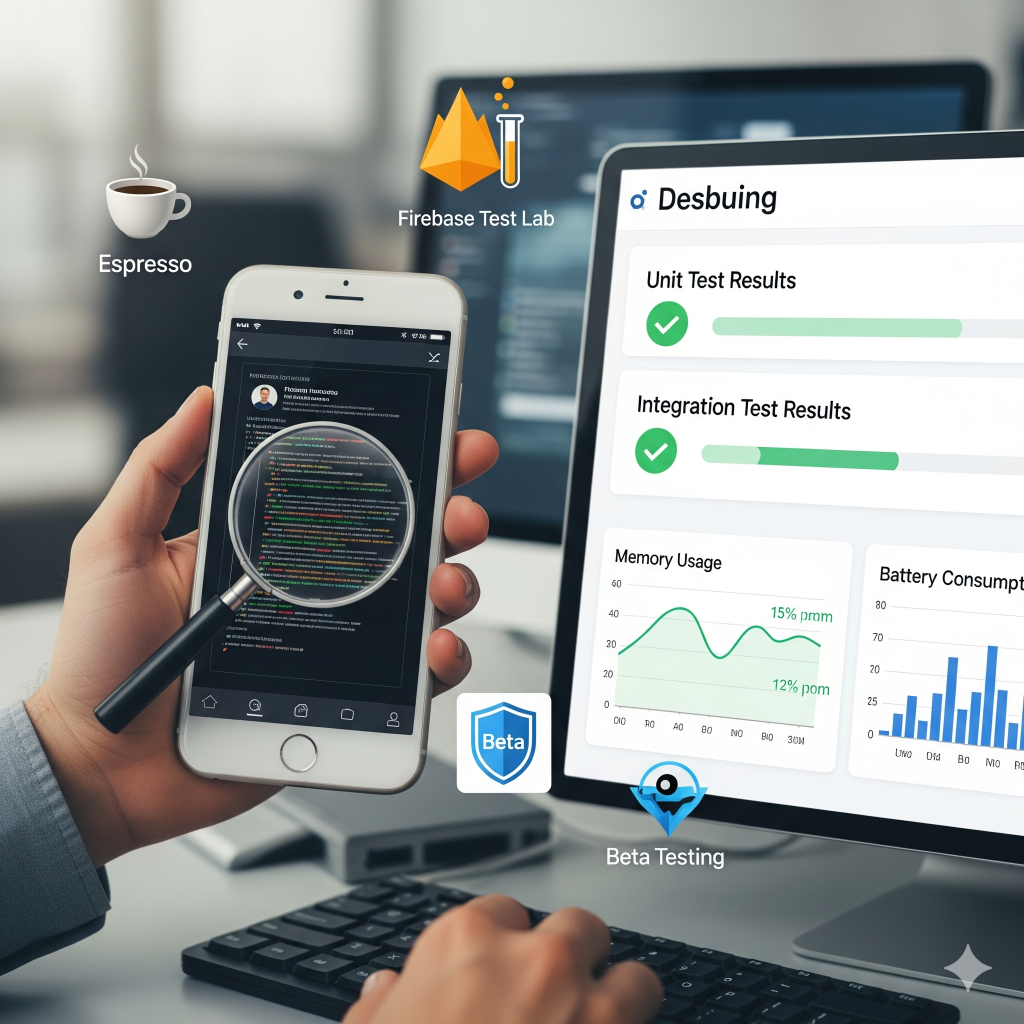
Combine unit, integration and UI testing with representative devices and beta feedback so automated coverage is supported by real-world use.
Resource discipline
Watch startup, network activity, memory, battery usage, image handling and application size rather than leaving performance work until launch week.
Release automation
Use repeatable builds, versioning, signing, test gates and staged releases so deployment becomes an engineering process rather than a manual event.
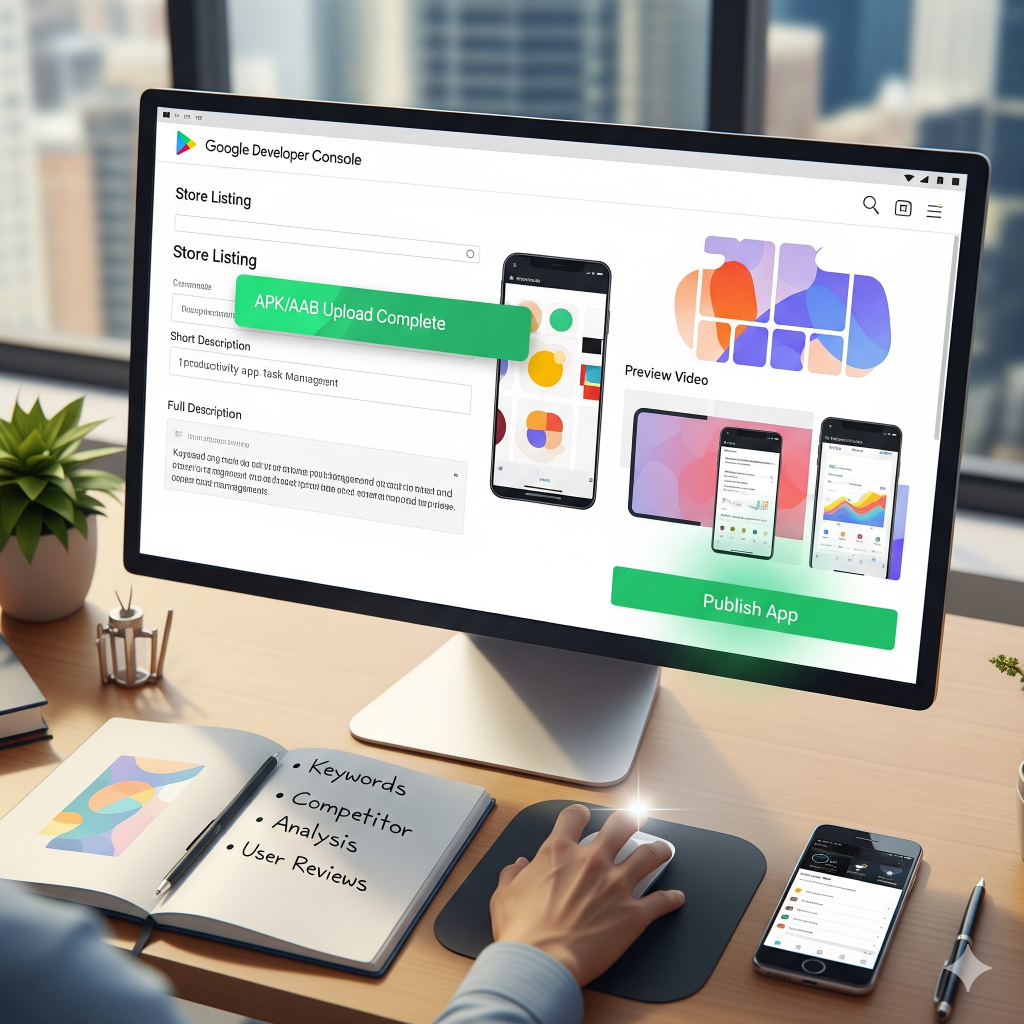
Confidence comes from layers of evidence
Test behavior. Then test the release process too.
Unit tests can verify isolated logic, integration tests can exercise boundaries, UI tests can validate critical interaction flows and device testing can reveal issues that never appear on one emulator. Beta feedback adds another layer by exposing real usage patterns before a wider rollout.
The first release starts the operating cycle
Ship the application. Then watch what actually happens.
Crash monitoring, analytics, reviews and support requests reveal different parts of the product. A crash report can expose a technical fault, while repeated user feedback can reveal a workflow or product problem that no automated test would identify.
Android versions, device behavior, backend dependencies and third-party SDKs continue changing after launch. Maintenance should include compatibility work, security updates, dependency review, performance improvements and product changes driven by actual usage.
Advanced features such as AI assistants, wearables, IoT integrations, multilingual experiences or more distributed backend architecture should be added when they solve a real user or scaling requirement—not simply because the technology exists.
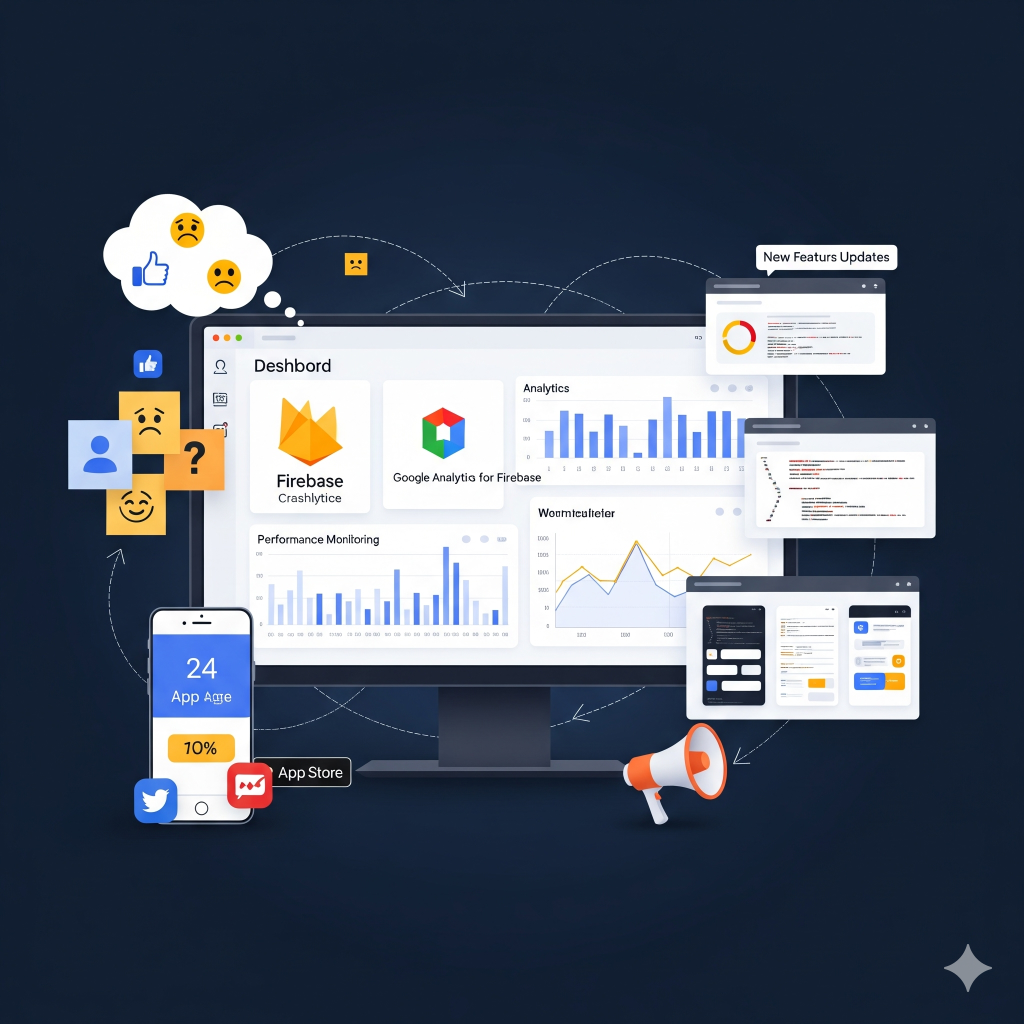
Design, development, testing and operations
Use the platform documentation alongside the product roadmap.
Keep design, engineering and release decisions connected to the Android platform tools the team is actually using.
Need an Android application engineered from roadmap to release?
Wemaxa can connect product planning, interface design, Android development, backend integration, testing and long-term application support into one delivery system.