Adobe Illustrator
Adobe Illustrator is a vector drawing and typography application in which paths, anchor points, fills, strokes and reusable appearance attributes remain editable independently of output resolution.
Paths and Bézier construction
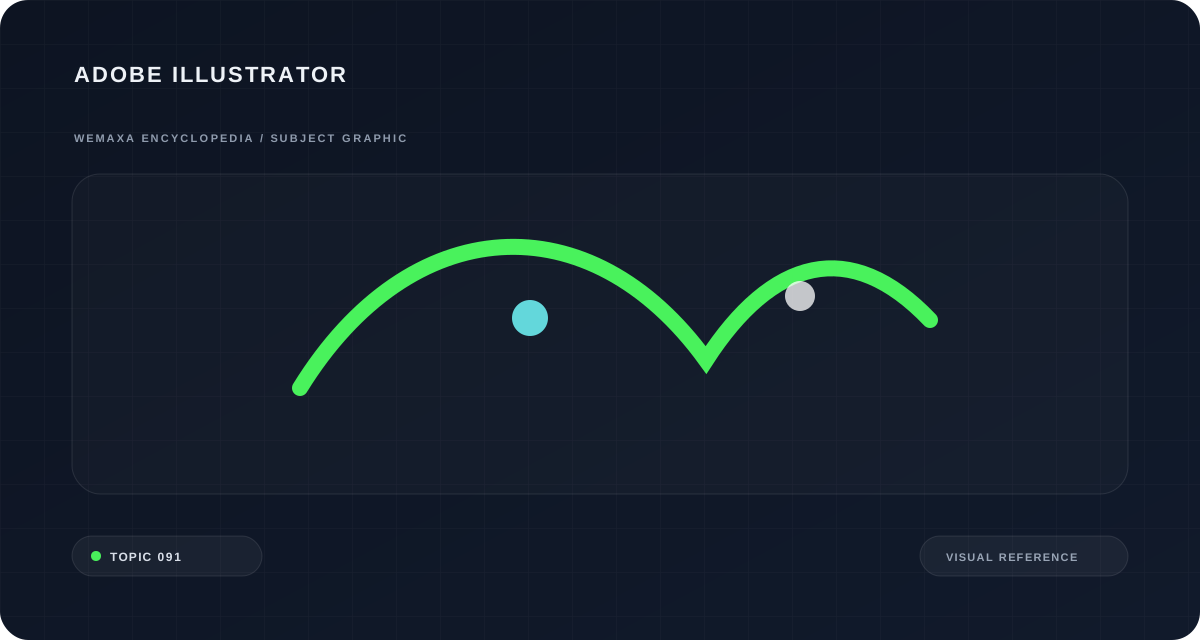
Illustrator's central object is the vector path.
Straight or curved segments connect anchor points, and Bézier handles control the direction and curvature entering or leaving an anchor. Because the geometry is described mathematically rather than stored as a fixed pixel grid, a clean vector logo can be scaled from an icon to large signage without the edge becoming pixelated. The challenge is not adding more anchor points but using enough points to define the form without making curves lumpy or difficult to edit.
Adobe Illustrator in images
Selected visual references help connect the article to surviving works, objects, places, documents or practical examples related to this subject.
Fill, stroke and appearance
A path can have a fill, a stroke or both. Stroke properties include weight, joins, caps, dashes and variable-width behavior. Illustrator's Appearance panel goes further by allowing multiple fills, multiple strokes and effects on one object, group or layer. The attributes are ordered, so changing their stacking can alter the result without duplicating geometry. This is useful for editable icon systems and complex lettering effects, but it can also make a file confusing if the visible appearance is distributed across unnamed groups and hidden effects.
Artboards and production files
Artboards let one document contain multiple output regions, useful for a family of icons, identity variants, packaging panels or social formats. Objects can extend beyond an artboard and remain available on the pasteboard. Export decisions should follow the final medium: SVG preserves vector structure for the web, PDF is common for print exchange, and raster exports such as PNG are appropriate when a fixed pixel image is required. An illustrator should also distinguish between live editable effects and artwork that must be expanded or outlined for a specific production vendor.
Typography and vector systems
Illustrator supports live type, paragraph settings and text on paths, making it useful for posters, packaging and identity work where type interacts closely with drawn form. Outlining type converts letters into paths, which protects shape when a font cannot travel with the file but also destroys normal text editability. For logos and production marks, outlined copies may be delivered alongside editable originals. For long documents, however, Illustrator is usually less suitable than a page-layout application because text flow and document-wide editorial controls are not its primary purpose.
Generative vector features
Adobe's current Illustrator documentation includes Text to Vector Graphic, Generative Shape Fill, Text to Pattern, Generative Expand and other AI-assisted vector operations. Generative Shape Fill can use the outline of an existing shape and optional prompt as constraints, producing editable vector content rather than a flat raster result. Adobe's 2026 documentation also describes Firefly Vector models and supported partner models in parts of this workflow. Generated vectors can still contain excessive paths, awkward joins or semantically wrong imagery, so cleanup and intentional drawing remain part of professional use.
More context, examples and technical detail
This section moves beyond the introductory account into the material, historical and interpretive details that make Adobe Illustrator worth studying in depth.
Vector graphics changed digital drawing
Adobe Illustrator, first released in the late 1980s, is built around vector geometry rather than fixed pixel grids. Paths defined by anchor points and Bézier handles can scale without losing edge resolution, making the software well suited to logos, diagrams, lettering and illustration. Bézier curves originated in industrial mathematics and automotive design, but graphical interfaces turned them into everyday drawing tools.
The distinction between fill, stroke, path and appearance is fundamental to understanding Illustrator’s object model.
A workflow of editable objects
Illustrator’s power comes from keeping shapes, type, masks and effects editable. Layers organize complex artwork, while the Appearance panel can assign multiple fills, strokes and effects to one object. Modern versions also support variable fonts, symbol systems, asset export and integration with other Adobe applications. The main design lesson is non-destructive structure: a file remains easier to revise when geometry and styling are kept logically organized.
Why vector graphics changed digital drawing
Adobe Illustrator emerged in the late 1980s as a tool for drawing with mathematically defined paths rather than fixed pixels. Bézier curves allow anchor points and control handles to describe smooth contours that can scale without losing edge resolution. This made vector workflows especially important for logos, diagrams, typography, packaging and illustration intended for many output sizes. Illustrator’s history is also tied to PostScript and desktop publishing, where digital page description transformed professional print production. Modern versions have accumulated layers, appearance effects, artboards and interoperability with other Adobe tools, but the underlying distinction between vector structure and raster imagery remains fundamental.
A path can have a fill, a stroke or both.
Artboards let one document contain multiple output regions, useful for a family of icons, identity variants, packaging panels or social formats.
Illustrator supports live type, paragraph settings and text on paths, making it useful for posters, packaging and identity work where type interacts closely with drawn form.
Adobe's current Illustrator documentation includes Text to Vector Graphic, Generative Shape Fill, Text to Pattern, Generative Expand and other AI-assisted vector operations.
Adobe Illustrator, first released in the late 1980s, is built around vector geometry rather than fixed pixel grids.
Illustrator’s power comes from keeping shapes, type, masks and effects editable.
Related topics in the Wemaxa Encyclopedia